Work Order invoice template
Work Order invoice template supports field service and contractors who use work orders to authorize jobs and then invoice after completion. The work order defines scope, labor, and materials before work starts; the invoice records what was actually done and requests payment. Converting the completed work order into an invoice (same job number, final hours and materials) keeps billing consistent and speeds payment when sent within 24–48 hours of job completion.
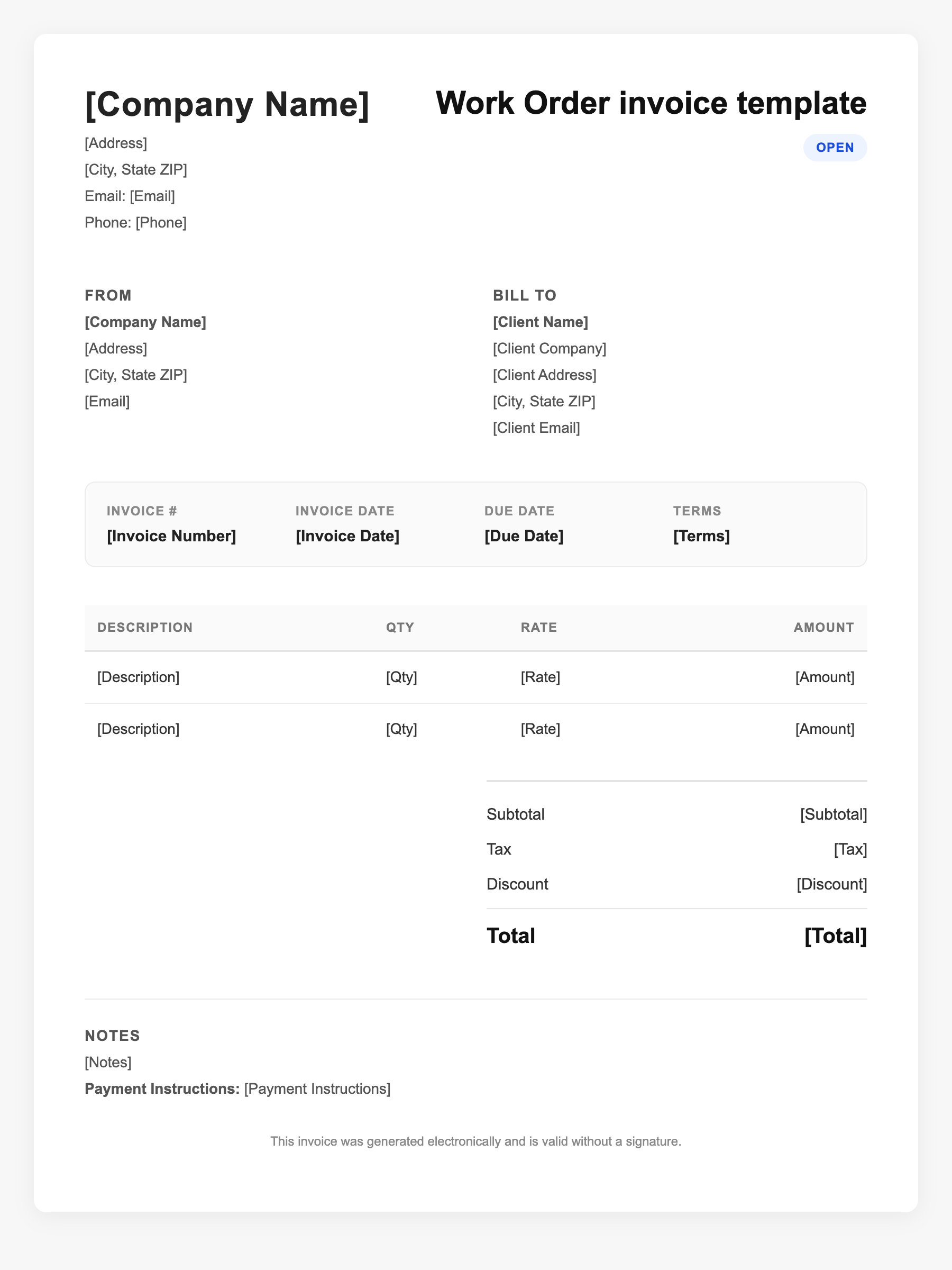
Work Order invoice template Sample
Work Order invoice template
123 Business Street, City, Country
Phone: (123) 456-7890
Email: contact@company.com
Work Order invoice template
Bill To:
Client Name
Client Address
Client City, Country
Phone: (987) 654-3210
Email: client@example.com
Invoice #: 12345
Date: 2024-10-10
Due Date: 2024-11-10
| Item | Description | Qty | Price | Total |
|---|---|---|---|---|
| Service A | Itemized service or product | 1 | $100.00 | $100.00 |
| Service B | Additional line item | 2 | $50.00 | $100.00 |
| Subtotal | $200.00 | |||
| Tax (10%) | $20.00 | |||
| Total Due | $220.00 | |||
An invoice should include your business or name, the customer’s details, the date and invoice number, and a line-by-line breakdown of what was provided. Including payment terms—such as due on receipt, Net 15, or Net 30—helps you get paid on time and keeps records clear for taxes.
Supporting resources
| Resource | Type | Description |
|---|---|---|
| BuildOps – Work order and invoice playbook | Industry guide | Difference between work orders (authorization) and invoices (billing); timing and practices for getting paid faster. |
| Work order to invoice conversion | Checklist | Use same job/work order number; add final labor hours and materials used; include total, due date (e.g. Net 10/15), payment methods; send within 24–48 hours of completion. |
| Field service invoice requirements | Benchmark | Completed work and cost; labor and materials; total due and due date; accepted payment methods; late fees or terms; clear formatting to avoid disputes. |
| Harvest – Work order template | Industry guide | Free work order and job request templates; converting work orders to invoices for consistency. |
Frequently Asked Questions
- What is the difference between a work order and an invoice?
- A work order authorizes and describes the job before it starts (scope, labor, materials). An invoice is sent after the job and requests payment for what was actually completed.
- When should I send an invoice after completing a work order?
- Send within 24–48 hours of job completion when possible; faster invoicing is linked to faster payment in field service and contracting.
- What should a work order invoice include?
- Reference to the work order or job number, itemized completed work, final labor hours and materials, total amount due, due date, payment methods, and any late-fee or payment terms.