Word invoice template
Word invoice template is a practical option when you need a professional invoice in Microsoft Word without buying invoicing software. It suits solopreneurs and small businesses sending a few invoices per month who want to add a logo, adjust layout, and save or print as PDF. Customize business and client details, line items, totals, and payment terms; for higher volume, consider moving to dedicated invoicing or Excel templates with formulas.
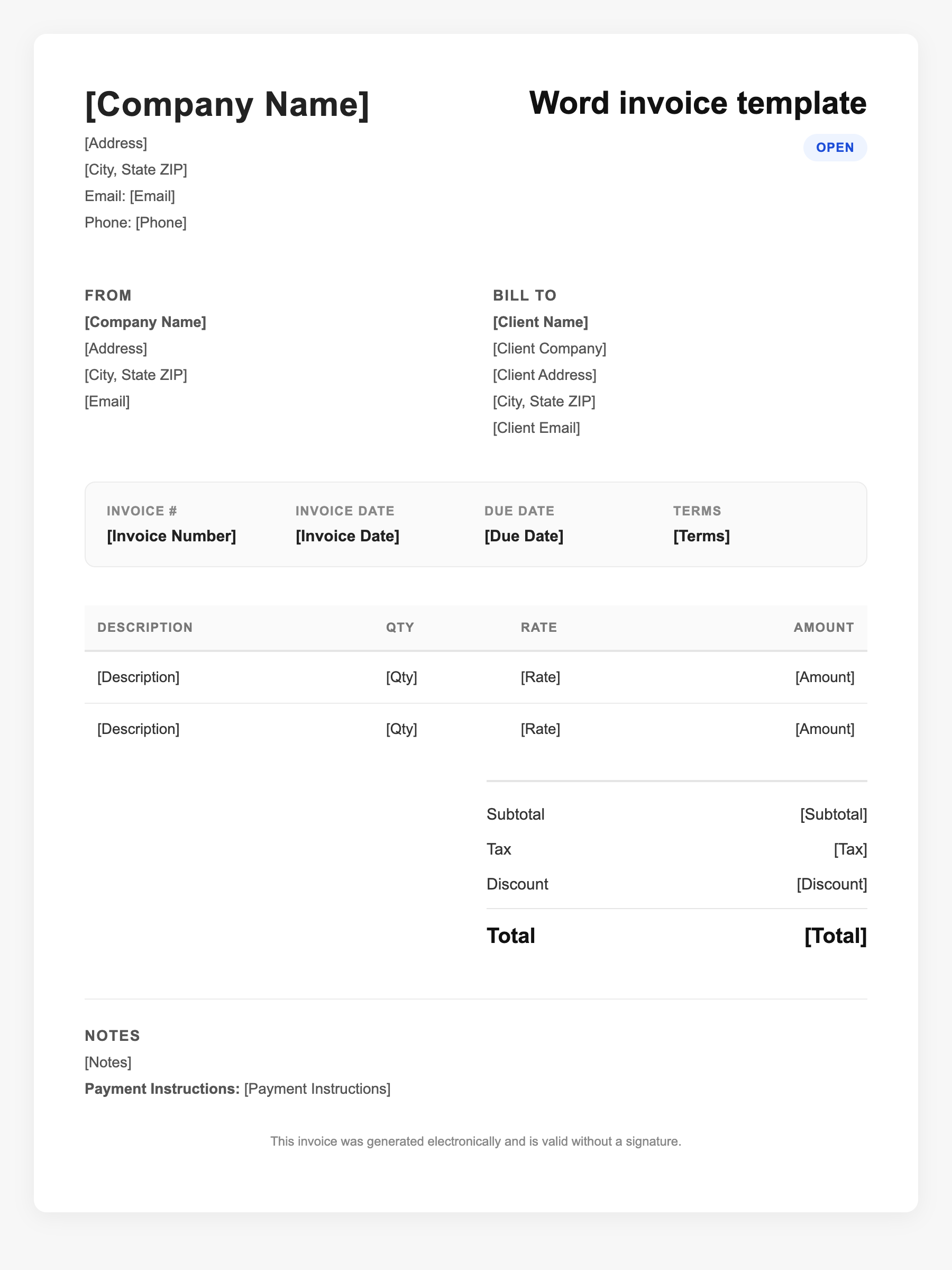
Word invoice template Sample
Word invoice template
123 Business Street, City, Country
Phone: (123) 456-7890
Email: contact@company.com
Word invoice template
Bill To:
Client Name
Client Address
Client City, Country
Phone: (987) 654-3210
Email: client@example.com
Invoice #: 12345
Date: 2024-10-10
Due Date: 2024-11-10
| Item | Description | Qty | Price | Total |
|---|---|---|---|---|
| Service A | Itemized service or product | 1 | $100.00 | $100.00 |
| Service B | Additional line item | 2 | $50.00 | $100.00 |
| Subtotal | $200.00 | |||
| Tax (10%) | $20.00 | |||
| Total Due | $220.00 | |||
An invoice should include your business or name, the customer’s details, the date and invoice number, and a line-by-line breakdown of what was provided. Including payment terms—such as due on receipt, Net 15, or Net 30—helps you get paid on time and keeps records clear for taxes.
Supporting resources
| Resource | Type | Description |
|---|---|---|
| Microsoft – Create estimates and invoices | Government / Official | Official guidance on using Word and Excel for estimates and invoices; template gallery and customization steps. |
| Microsoft Office invoice templates | Official | Free editable invoice templates (Excel and related); built-in formulas for totals; save as PDF or reuse. |
| When to use Word vs invoicing software | Benchmark | Word fits low volume (e.g. 1–3 invoices/month); switch to software or Excel when you need tracking, reminders, or automatic totals. |
Frequently Asked Questions
- Can I use a Word invoice template for my small business?
- Yes. Word templates work well for freelancers and small businesses with low invoice volume; add your logo, details, and line items, then save as PDF to send.
- What is the difference between a Word and an Excel invoice template?
- Word is layout-focused and manual math; Excel templates often include formulas that auto-calculate subtotals and tax, which helps reduce errors when you have many line items.
- How do I make my Word invoice look professional?
- Use a clean template, add your logo and brand colors, include a clear breakdown of items and totals, and save or send as PDF so formatting stays consistent.