Simple invoice template Word
Simple invoice template Word is a ready-to-use Microsoft Word (.docx) layout for creating and editing invoices without accounting software. It suits freelancers and small businesses who prefer to type in Word, add a logo, and save as PDF or print. Fields typically include business and client info, invoice number, dates, line items, totals, and payment terms—all editable in a familiar format.
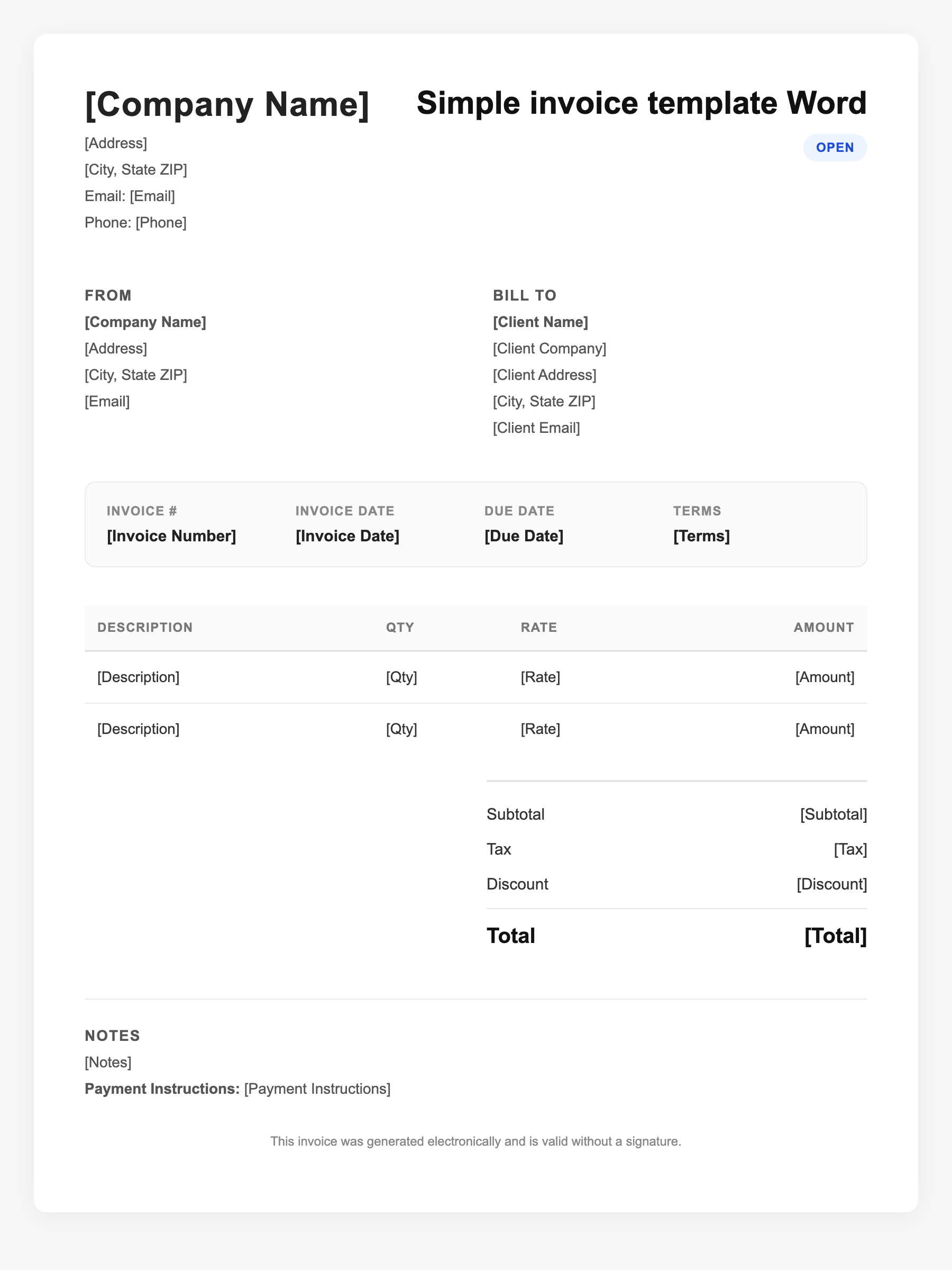
Simple invoice template Word Sample
Simple invoice template Word
123 Business Street, City, Country
Phone: (123) 456-7890
Email: contact@company.com
Simple invoice template Word
Bill To:
Client Name
Client Address
Client City, Country
Phone: (987) 654-3210
Email: client@example.com
Invoice #: 12345
Date: 2024-10-10
Due Date: 2024-11-10
| Item | Description | Qty | Price | Total |
|---|---|---|---|---|
| Service A | Itemized service or product | 1 | $100.00 | $100.00 |
| Service B | Additional line item | 2 | $50.00 | $100.00 |
| Subtotal | $200.00 | |||
| Tax (10%) | $20.00 | |||
| Total Due | $220.00 | |||
An invoice should include your business or name, the customer’s details, the date and invoice number, and a line-by-line breakdown of what was provided. Including payment terms—such as due on receipt, Net 15, or Net 30—helps you get paid on time and keeps records clear for taxes.
Supporting resources
| Resource | Type | Description |
|---|---|---|
| Microsoft Office invoice templates | Government/Software | Official Word and Excel invoice templates in the Office template gallery; customizable and save as PDF. |
| Word template best practices | Checklist | Use tables for line items, consistent numbering (e.g. INV-2025-001), and clear labels for subtotal, tax, and total. |
| When to use Word vs software | Industry guide | Word fits low volume and one-off edits; consider invoicing software when you need automation, reminders, or high volume. |
Frequently Asked Questions
- Where can I get a free Word invoice template?
- Microsoft provides free invoice templates in Word via File > New and searching 'invoice'; third-party sites also offer downloadable .docx templates.
- Can I use a Word invoice for taxes?
- Yes. As long as it includes who, what, when, and how much, it satisfies typical record-keeping needs. Save a copy (PDF or .docx) with your records.
- How do I turn a Word invoice into a PDF?
- In Word: File > Save As > PDF, or Print > Save as PDF. Sending PDFs avoids accidental edits and looks professional.