Sample invoice template Excel
Sample invoice template Excel is a spreadsheet-based invoice layout for small businesses that want to create and edit invoices in Excel or compatible tools. It usually includes formulas for line totals, subtotal, tax, and total so you enter quantities and rates and get correct totals. Use it for one-off or low-volume invoicing without dedicated software.
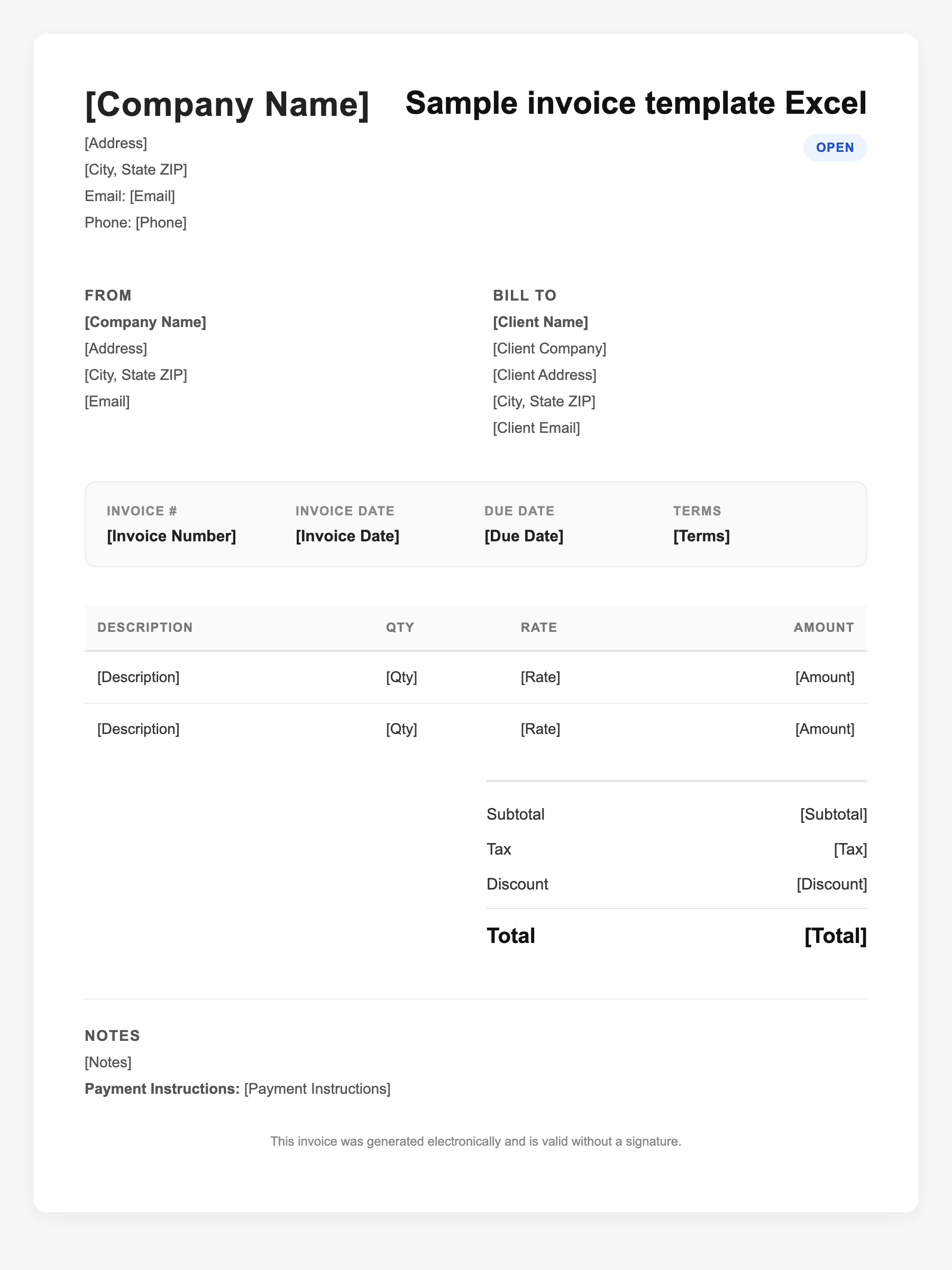
Sample invoice template Excel Sample
Sample invoice template Excel
123 Business Street, City, Country
Phone: (123) 456-7890
Email: contact@company.com
Sample invoice template Excel
Bill To:
Client Name
Client Address
Client City, Country
Phone: (987) 654-3210
Email: client@example.com
Invoice #: 12345
Date: 2024-10-10
Due Date: 2024-11-10
| Item | Description | Qty | Price | Total |
|---|---|---|---|---|
| Service A | Itemized service or product | 1 | $100.00 | $100.00 |
| Service B | Additional line item | 2 | $50.00 | $100.00 |
| Subtotal | $200.00 | |||
| Tax (10%) | $20.00 | |||
| Total Due | $220.00 | |||
An invoice should include your business or name, the customer’s details, the date and invoice number, and a line-by-line breakdown of what was provided. Including payment terms—such as due on receipt, Net 15, or Net 30—helps you get paid on time and keeps records clear for taxes.
Supporting resources
| Resource | Type | Description |
|---|---|---|
| Vertex42 Excel invoice template | Industry guide | Popular free template with formulas for item totals, subtotal, tax, and total; works in Excel, Google Sheets, OpenOffice. |
| Microsoft Office invoice templates | Industry guide | Built-in Excel invoice templates with automatic calculations and customization; available via Create or template gallery. |
| Excel template features | Checklist | Look for: formula-driven totals, tax field, line-item rows, space for logo and terms, and ability to save as PDF for sending. |
| Invoice Fly Excel templates | Industry guide | Free Excel (.xlsx) templates with formulas for line totals, subtotals, discount, and sales tax in multiple styles. |
Frequently Asked Questions
- Why use an Excel invoice template instead of Word?
- Excel lets you use formulas so line totals, subtotal, tax, and grand total update automatically when you change quantities or rates; reduces errors and speeds up data entry.
- Can I use an Excel invoice template in Google Sheets?
- Yes. Many Excel invoice templates open in Google Sheets; formulas may need minor adjustments (e.g., currency or rounding). Save a copy and test calculations.
- How do I send an Excel invoice to a client?
- Export or print to PDF so the client sees a fixed layout and cannot alter your numbers; attach the PDF to email or upload to their portal. Keep the Excel file as your master record.