Receipt template Word
Receipt template Word is an editable Microsoft Word (.docx) layout for creating receipts you can customize and print or save as PDF. It suits businesses that already use Word and want to add a logo, change fields, or tweak wording without design software. Use it for sales receipts, payment confirmations, and rental or service receipts while keeping a consistent, professional format.
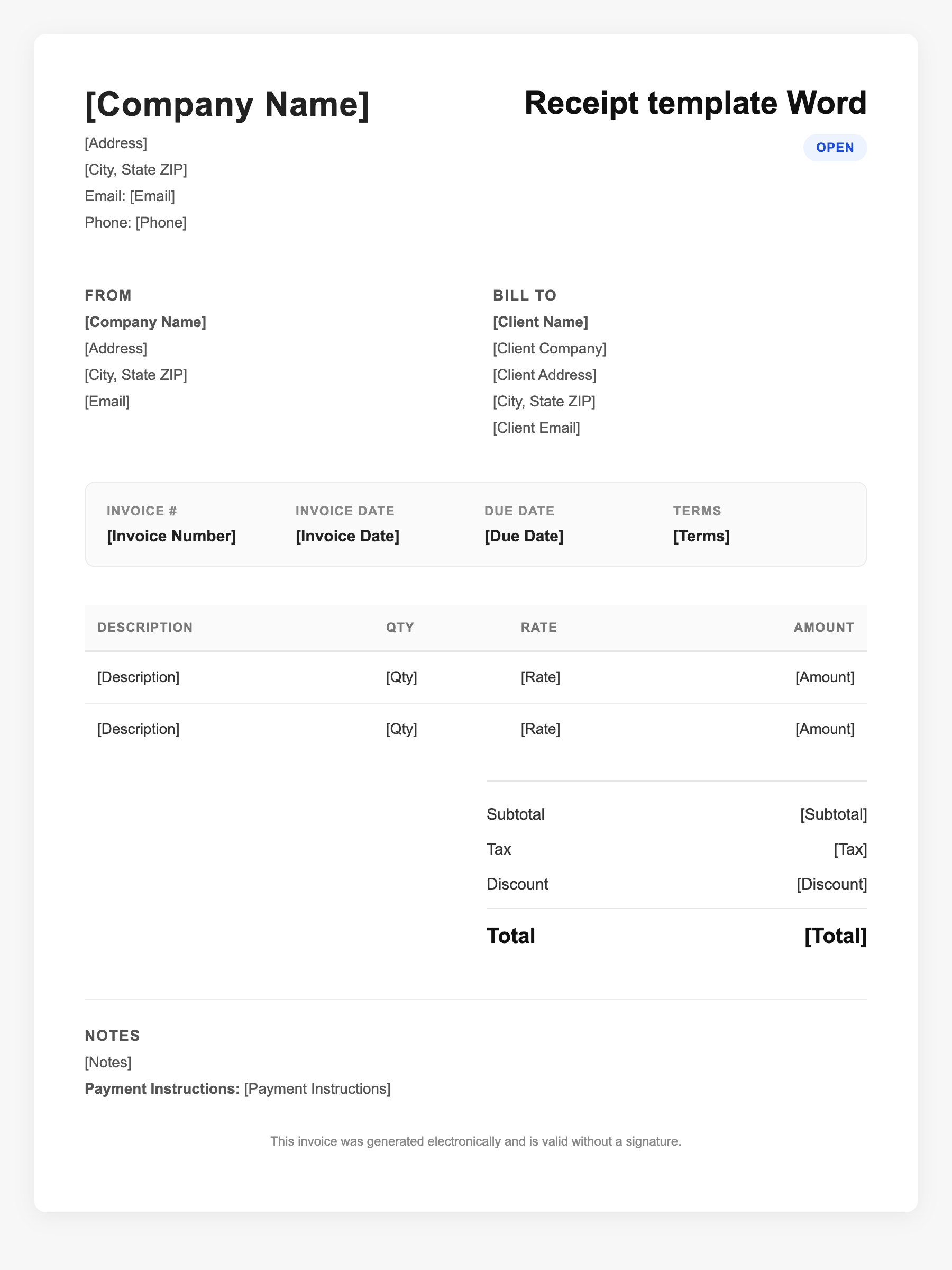
Receipt template Word Sample
Receipt template Word
123 Business Street, City, Country
Phone: (123) 456-7890
Email: contact@company.com
Receipt template Word
Bill To:
Client Name
Client Address
Client City, Country
Phone: (987) 654-3210
Email: client@example.com
Invoice #: 12345
Date: 2024-10-10
Due Date: 2024-11-10
| Item | Description | Qty | Price | Total |
|---|---|---|---|---|
| Product A | Item purchased | 1 | $49.00 | $49.00 |
| Product B | Item purchased | 2 | $22.00 | $44.00 |
| Subtotal | $93.00 | |||
| Tax (10%) | $9.30 | |||
| Total Due | $102.30 | |||
An invoice should include your business or name, the customer’s details, the date and invoice number, and a line-by-line breakdown of what was provided. Including payment terms—such as due on receipt, Net 15, or Net 30—helps you get paid on time and keeps records clear for taxes.
Supporting resources
| Resource | Type | Description |
|---|---|---|
| Word receipt template features | Checklist | Typical elements: fillable date, receipt number, business and customer blocks, table for items/quantities/prices, subtotal, tax, total, payment method, signature line. |
| IRS record retention | Government | Keep receipts and supporting records at least 3 years; longer for employment tax or if income was underreported. |
| Smartsheet Word receipt templates | Industry guide | Collections of free Word receipt templates (basic, cash, payment, sales, donation) that are fillable and printable. |
Frequently Asked Questions
- How do I use a receipt template in Word?
- Open the .docx template, replace placeholder text with your business info, fill in each transaction's date, receipt number, customer, items, and totals, then print or save as PDF.
- Is a Word-generated receipt valid for taxes?
- Yes. The IRS accepts digital or printed receipts that substantiate income and expenses; format (Word, PDF, etc.) is not specified as long as the content is complete.
- Can I add my logo to a Word receipt template?
- Yes. Word templates are editable: insert your logo in the header, adjust fonts and colors, and save as a custom template for reuse.