QuickBooks invoice template
QuickBooks invoice template is a pre-built invoice layout used inside QuickBooks Desktop or Online to create and send bills that sync with your books. You can customize branding, fields, and layout; Desktop allows export/import of templates between company files. Use it to keep invoicing and accounting in one place and to track payments and aging.
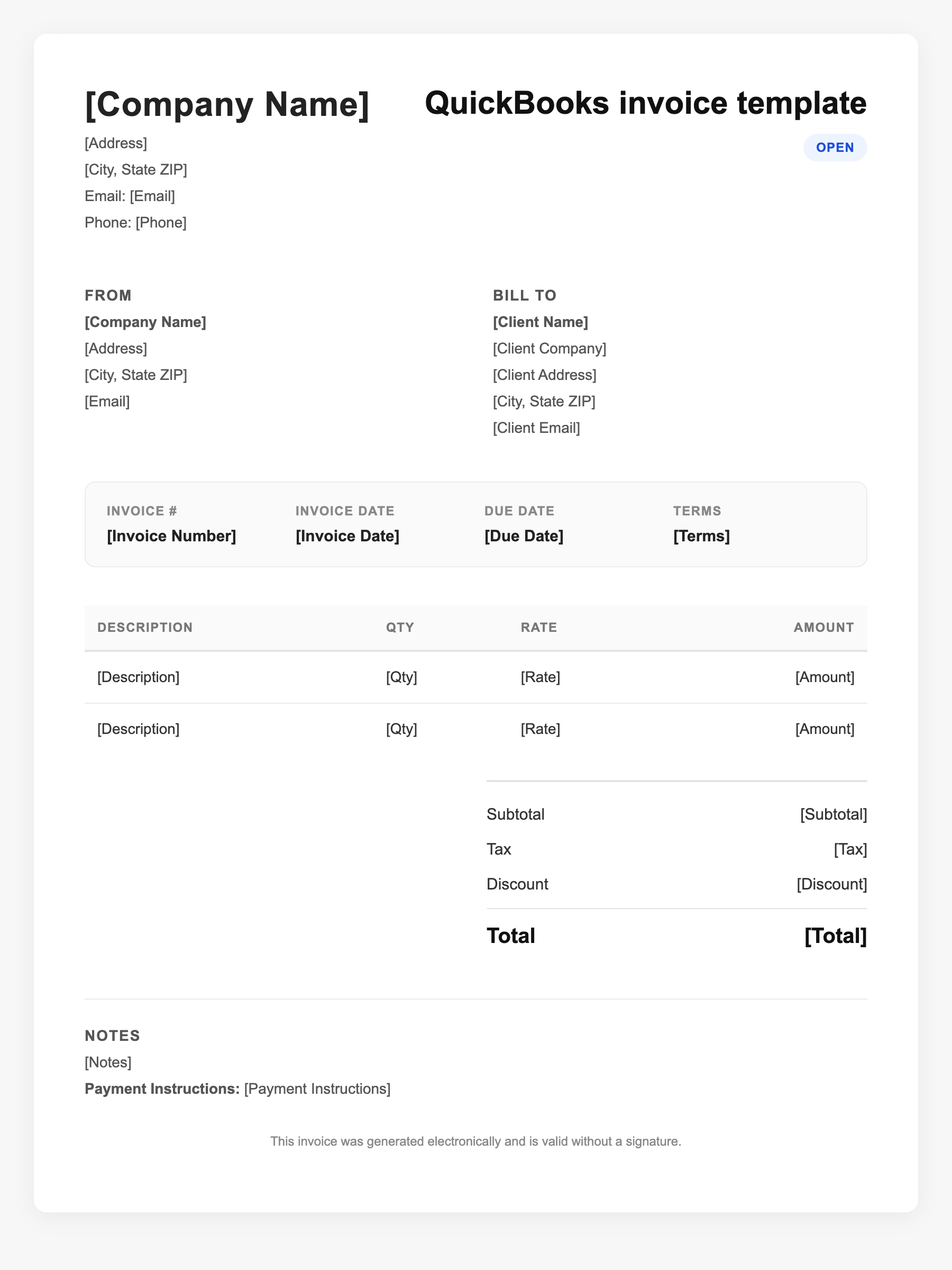
QuickBooks invoice template Sample
QuickBooks invoice template
123 Business Street, City, Country
Phone: (123) 456-7890
Email: contact@company.com
QuickBooks invoice template
Bill To:
Client Name
Client Address
Client City, Country
Phone: (987) 654-3210
Email: client@example.com
Invoice #: 12345
Date: 2024-10-10
Due Date: 2024-11-10
| Item | Description | Qty | Price | Total |
|---|---|---|---|---|
| Service A | Itemized service or product | 1 | $100.00 | $100.00 |
| Service B | Additional line item | 2 | $50.00 | $100.00 |
| Subtotal | $200.00 | |||
| Tax (10%) | $20.00 | |||
| Total Due | $220.00 | |||
An invoice should include your business or name, the customer’s details, the date and invoice number, and a line-by-line breakdown of what was provided. Including payment terms—such as due on receipt, Net 15, or Net 30—helps you get paid on time and keeps records clear for taxes.
Supporting resources
| Resource | Type | Description |
|---|---|---|
| QuickBooks form customization | Industry guide | Customize invoice templates: logo, fonts, colors, and layout via Lists > Templates (Desktop) or Settings (Online); manage what fields appear. |
| Desktop template export/import | Checklist | Desktop: Lists > Templates > select template > Export/Import. Remove logo if export fails; templates from newer versions may not import into older. |
| QuickBooks Online limitations | Benchmark | QBO has limited custom template import; use built-in themes and customization rather than importing externally designed forms. |
Frequently Asked Questions
- Can I use my own design for a QuickBooks invoice?
- In Desktop you can customize layout and export/import templates; in Online you use built-in themes and fields. Fully custom external designs cannot be imported into QBO.
- How do I export a QuickBooks invoice template?
- Desktop: Go to Lists > Templates, select the invoice template, click the Templates dropdown, choose Export, and save the file. Re-import in the same or another company file via Import.
- Do QuickBooks invoices sync with my books?
- Yes; invoices created in QuickBooks post to accounts receivable and income; payments link to the invoice and update A/R and bank/cash.