Payment receipt template Word
Payment receipt template Word is a Microsoft Word–editable receipt you can customize with your logo, fields, and branding. Use it to quickly issue proof-of-payment documents that you can save as PDF, print, or email. Ideal for businesses that prefer Word over spreadsheets or dedicated software.
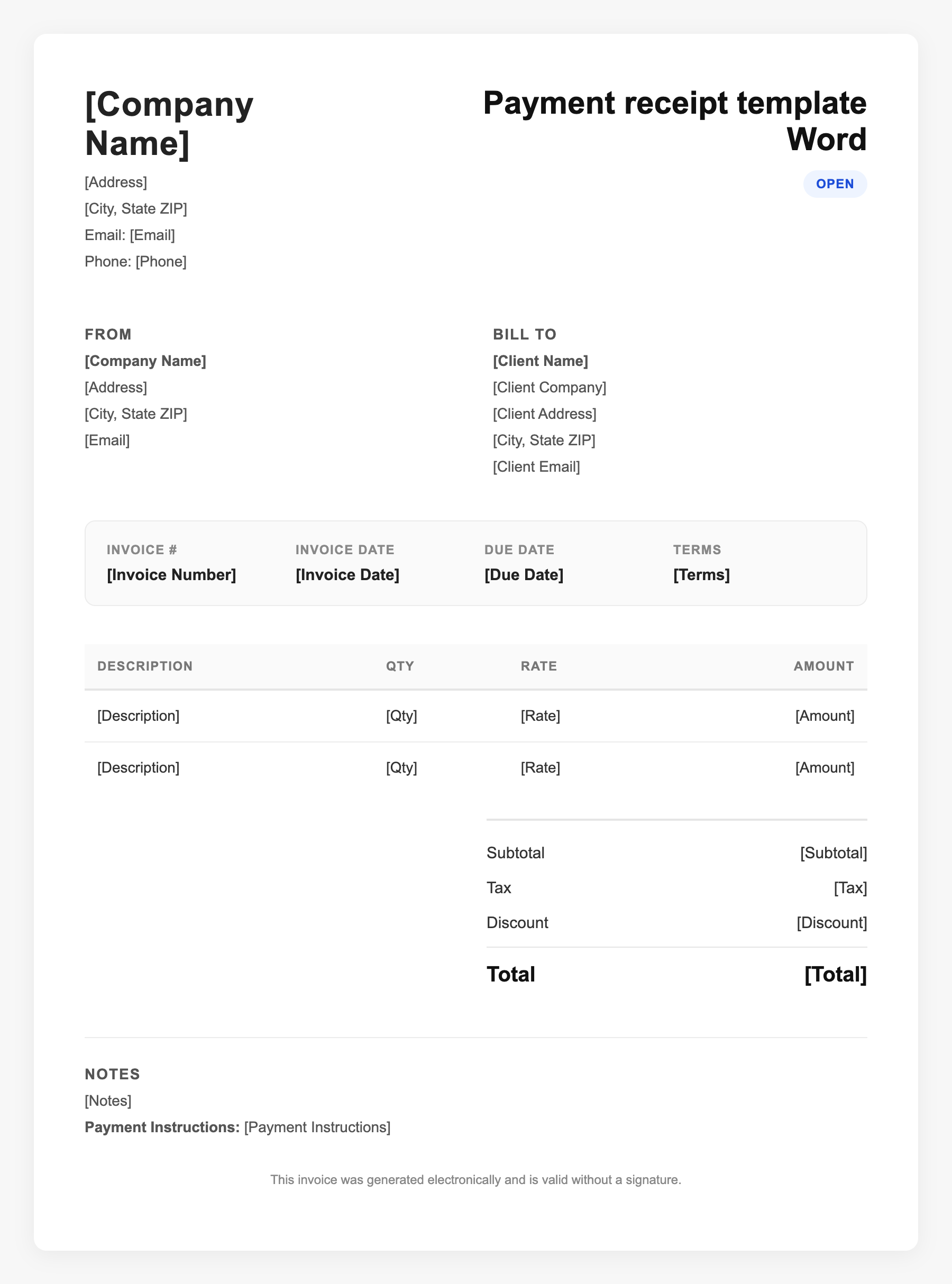
Payment receipt template Word Sample
Payment receipt template Word
123 Business Street, City, Country
Phone: (123) 456-7890
Email: contact@company.com
Payment receipt template Word
Bill To:
Client Name
Client Address
Client City, Country
Phone: (987) 654-3210
Email: client@example.com
Invoice #: 12345
Date: 2024-10-10
Due Date: 2024-11-10
| Item | Description | Qty | Price | Total |
|---|---|---|---|---|
| Product A | Item purchased | 1 | $49.00 | $49.00 |
| Product B | Item purchased | 2 | $22.00 | $44.00 |
| Subtotal | $93.00 | |||
| Tax (10%) | $9.30 | |||
| Total Due | $102.30 | |||
An invoice should include your business or name, the customer’s details, the date and invoice number, and a line-by-line breakdown of what was provided. Including payment terms—such as due on receipt, Net 15, or Net 30—helps you get paid on time and keeps records clear for taxes.
Supporting resources
| Resource | Type | Description |
|---|---|---|
| Word receipt templates | Industry guide | Free .docx templates from Smartsheet, Wise, Template.net include business info, line items, payment method, and date. Edit and export to PDF. |
| What to include | Checklist | Business name/logo, receipt number, date, payer/payee, itemized lines or summary, total paid, payment method, and optional signature line. |
| Use cases | Checklist | Cash/check/card payments, deposits, partial payments, and one-off transactions. Suits small businesses and occasional receipts. |
Frequently Asked Questions
- Where can I get a free payment receipt template for Word?
- Smartsheet, Wise, Template.net, and similar sites offer free Word receipt templates. Download, add your details, and save or print.
- Is a Word receipt legally valid?
- Yes, if it includes the key facts: who paid, how much, when, and for what. Format (Word vs PDF) does not determine validity; content and accuracy do.
- Can I convert a Word receipt to PDF for clients?
- Yes. Save or export as PDF before sending so the layout and content cannot be edited and the document is easy to print and archive.