Microsoft Word invoice template
Microsoft Word invoice template is a ready-to-use layout in Word (.docx) for creating professional invoices without building from scratch. Add your business details, line items, rates, and payment terms; many templates include invoice number, date, due date, and PO. For automatic totals, use a template with formulas or pair with Excel; Word is best for quick edits and printing.
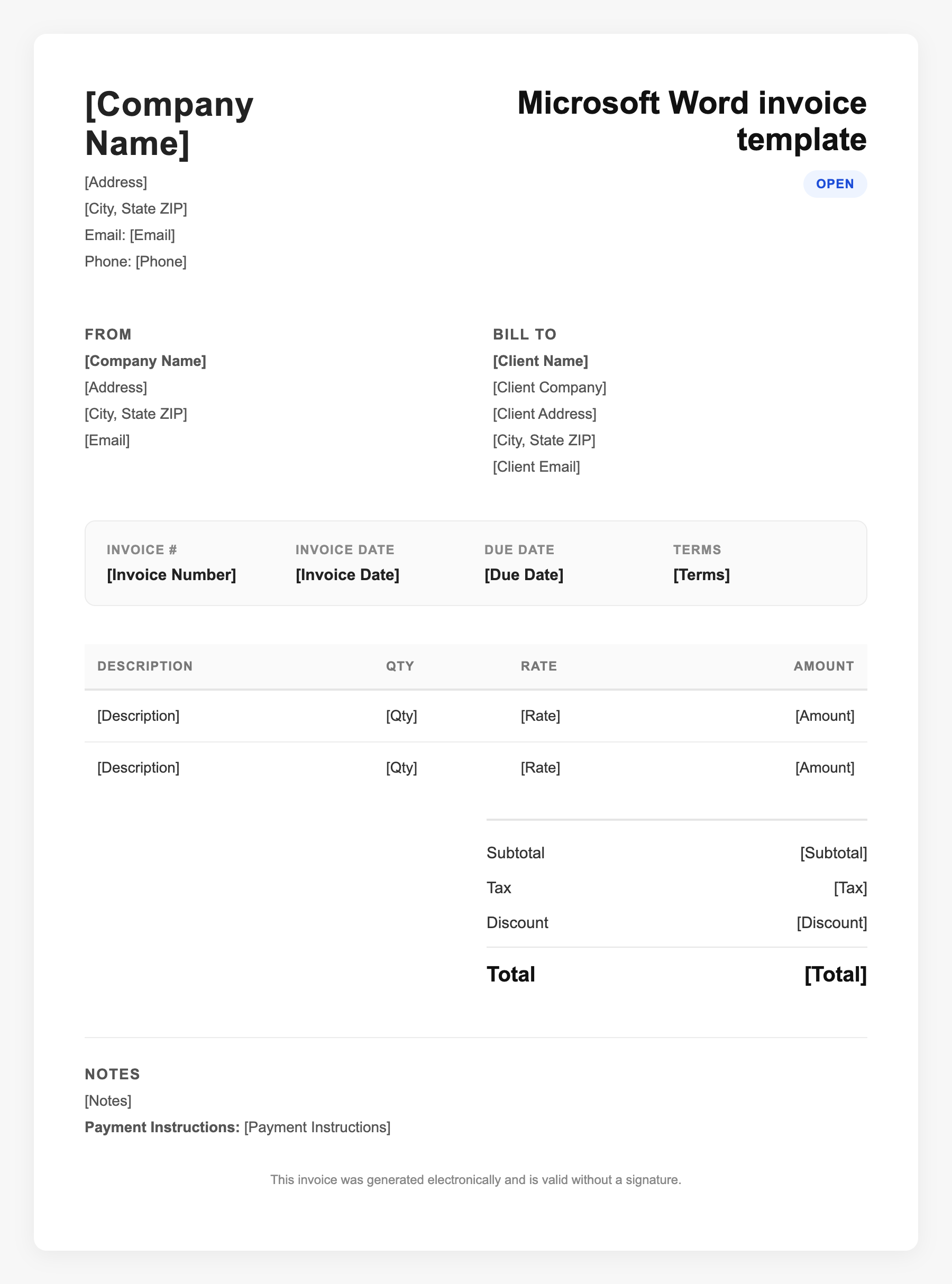
Microsoft Word invoice template Sample
Microsoft Word invoice template
123 Business Street, City, Country
Phone: (123) 456-7890
Email: contact@company.com
Microsoft Word invoice template
Bill To:
Client Name
Client Address
Client City, Country
Phone: (987) 654-3210
Email: client@example.com
Invoice #: 12345
Date: 2024-10-10
Due Date: 2024-11-10
| Item | Description | Qty | Price | Total |
|---|---|---|---|---|
| Service A | Itemized service or product | 1 | $100.00 | $100.00 |
| Service B | Additional line item | 2 | $50.00 | $100.00 |
| Subtotal | $200.00 | |||
| Tax (10%) | $20.00 | |||
| Total Due | $220.00 | |||
An invoice should include your business or name, the customer’s details, the date and invoice number, and a line-by-line breakdown of what was provided. Including payment terms—such as due on receipt, Net 15, or Net 30—helps you get paid on time and keeps records clear for taxes.
Supporting resources
| Resource | Type | Description |
|---|---|---|
| Vertex42 Word invoice template | Industry guide | Popular free .docx invoice template for Word 2007+; no automatic calculations—use for fixed layouts and manual totals or copy totals from Excel. |
| Microsoft Create templates | Government | Official Microsoft invoice templates; many are Excel-based with formulas; useful if you prefer Office-native, editable templates. |
| Word invoice checklist | Checklist | Include: business name/contact, client/bill-to, invoice number and dates, itemized lines (description, qty, rate, amount), subtotal/tax/total, payment terms and methods. |
Frequently Asked Questions
- Can Word calculate invoice totals automatically?
- Standard Word does not calculate like Excel. Use a template with embedded Excel objects, or do math in Excel and paste totals into Word. Some third-party Word templates use fields; check the template instructions.
- Where can I get a free Word invoice template?
- Microsoft Create (create.microsoft.com), Vertex42, and other providers offer free Word and Excel invoice templates. Choose .docx for Word; ensure it matches your Word version.
- Is a Word invoice legally valid?
- Yes. Invoices are valid based on content (parties, description, amount, terms), not the software. Save as PDF for a consistent record and to prevent edits.