Microsoft invoice template
Microsoft invoice template helps businesses that bill for Microsoft products, subscriptions, or consulting (e.g. Microsoft 365, Azure) present clear invoices to clients. If you are the customer receiving Microsoft’s own bill, invoices are available in the Microsoft 365 admin center under Billing > Bills & payments > Invoices, with options for monthly, quarterly, or annual billing.
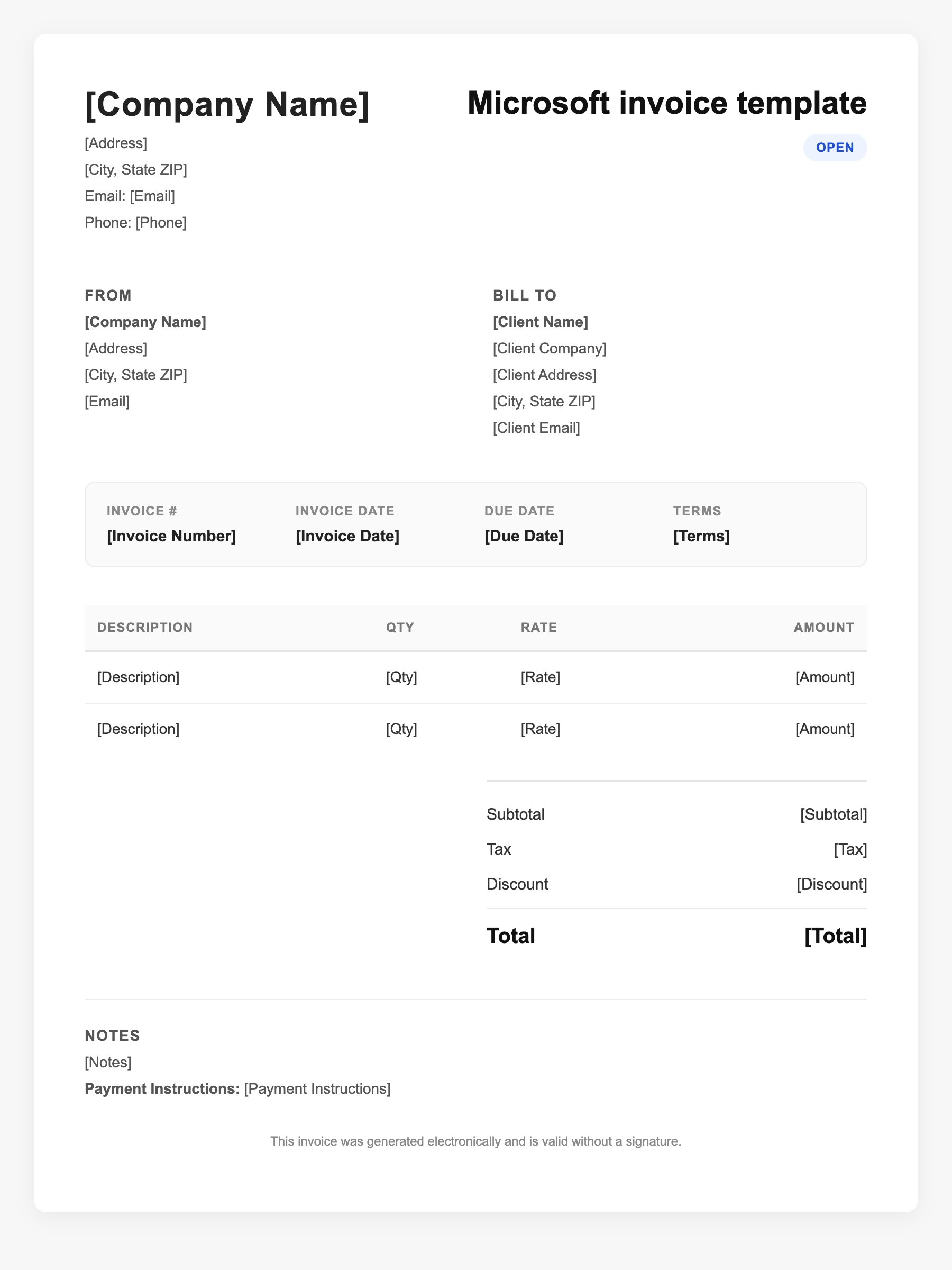
Microsoft invoice template Sample
Microsoft invoice template
123 Business Street, City, Country
Phone: (123) 456-7890
Email: contact@company.com
Microsoft invoice template
Bill To:
Client Name
Client Address
Client City, Country
Phone: (987) 654-3210
Email: client@example.com
Invoice #: 12345
Date: 2024-10-10
Due Date: 2024-11-10
| Item | Description | Qty | Price | Total |
|---|---|---|---|---|
| Service A | Itemized service or product | 1 | $100.00 | $100.00 |
| Service B | Additional line item | 2 | $50.00 | $100.00 |
| Subtotal | $200.00 | |||
| Tax (10%) | $20.00 | |||
| Total Due | $220.00 | |||
An invoice should include your business or name, the customer’s details, the date and invoice number, and a line-by-line breakdown of what was provided. Including payment terms—such as due on receipt, Net 15, or Net 30—helps you get paid on time and keeps records clear for taxes.
Supporting resources
| Resource | Type | Description |
|---|---|---|
| Microsoft 365 billing and invoices | Government | How to view and download invoices in the admin center; billing frequency (monthly/quarterly/annual); summary of charges by product order. |
| Microsoft 365 plans and pricing | Benchmark | Current Business and Enterprise plan pricing; useful when creating client invoices for subscription resale or consulting. |
| Payment methods for Microsoft business | Industry guide | Managing payment methods and paying by card in the admin center; recurring billing and billing profiles for MCA accounts. |
Frequently Asked Questions
- Where do I find my Microsoft 365 or Azure invoice?
- Sign in to the Microsoft 365 admin center (or Azure portal), go to Billing > Bills & payments > Invoices. You can view and download PDFs; invoices are also sent by email when ready.
- Can I change how often I am billed?
- Billing frequency is set at purchase (monthly, every 3/6/12 months). You can change it when renewing or via your billing profile in the admin center, depending on your agreement.
- What appears on a Microsoft business invoice?
- Invoice summary and, from page 2, charges by product order. You’ll see subscription period, amount due, and payment method. Contact and payment details come from your billing profile.