Marked As Paid invoice template
Marked As Paid invoice template is used when you need to send or retain an invoice that shows payment has been received—acting as a receipt or proof of payment. The invoice is marked "PAID" (or similar) and shows zero balance. It helps vendors confirm payment, supports accounting reconciliation, and gives payors a single document that doubles as invoice and receipt.
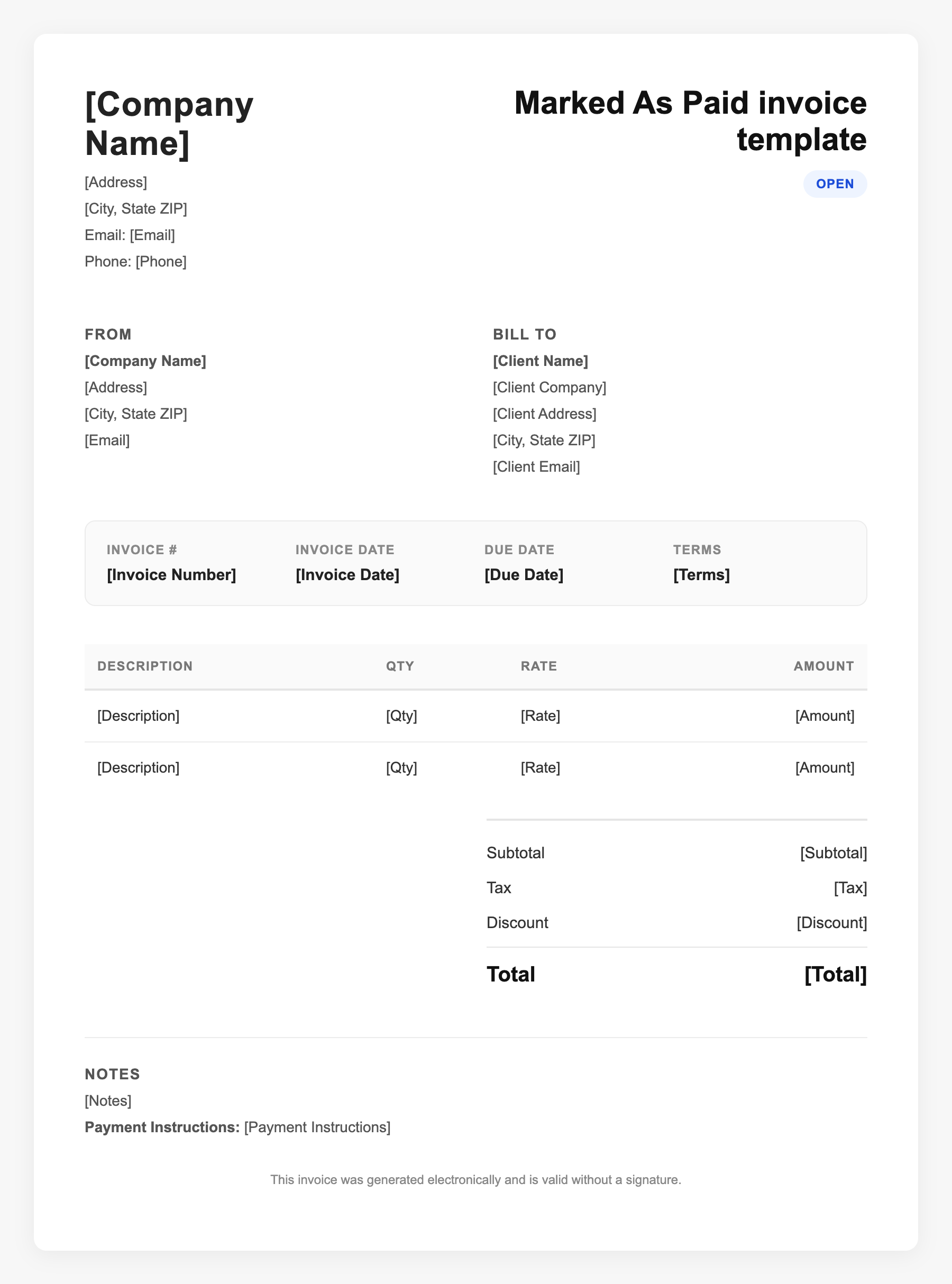
Marked As Paid invoice template Sample
Marked As Paid invoice template
123 Business Street, City, Country
Phone: (123) 456-7890
Email: contact@company.com
Marked As Paid invoice template
Bill To:
Client Name
Client Address
Client City, Country
Phone: (987) 654-3210
Email: client@example.com
Invoice #: 12345
Date: 2024-10-10
Due Date: 2024-11-10
| Item | Description | Qty | Price | Total |
|---|---|---|---|---|
| Service A | Itemized service or product | 1 | $100.00 | $100.00 |
| Service B | Additional line item | 2 | $50.00 | $100.00 |
| Subtotal | $200.00 | |||
| Tax (10%) | $20.00 | |||
| Total Due | $220.00 | |||
An invoice should include your business or name, the customer’s details, the date and invoice number, and a line-by-line breakdown of what was provided. Including payment terms—such as due on receipt, Net 15, or Net 30—helps you get paid on time and keeps records clear for taxes.
Supporting resources
| Resource | Type | Description |
|---|---|---|
| Paid-in-full invoice definition | Industry guide | Issued after payment is processed; shows PAID clearly and zero balance; serves as receipt to payor; often sent by email. |
| QuickBooks: sending invoice marked paid | Industry guide | How to send an invoice marked as paid and provide proof of payment from accounting software. |
| How to mark invoices as paid | Industry guide | Manual mark-as-paid and matching bank transactions to invoices so the invoice shows paid and generates a receipt. |
Frequently Asked Questions
- What is a marked-as-paid invoice?
- An invoice that has been updated to show payment received—typically displaying "PAID" and a zero balance—so it doubles as a receipt and proof of payment.
- When would I use a marked-as-paid invoice?
- When a vendor or client asks for proof of payment, when you pay outside the system and need to record it, or when you want to send a formal receipt matching the original invoice.
- How do I get proof an invoice was paid?
- Use your accounting software to mark the invoice paid and export or send the marked-as-paid invoice; you can also use bank or payment processor confirmation alongside it.