Invoice template Word
Invoice template Word is a Microsoft Word (.docx) invoice you can customize with your logo, wording, and layout. Access free templates via Word (File > New, search "invoice") or Microsoft Create; third-party sites (e.g., Vertex42, FreshBooks, Invoice Simple) also offer free Word invoice templates. Word is good for narrative or document-style invoices; for automatic totals and heavy number-crunching, Excel or invoicing software may be better.
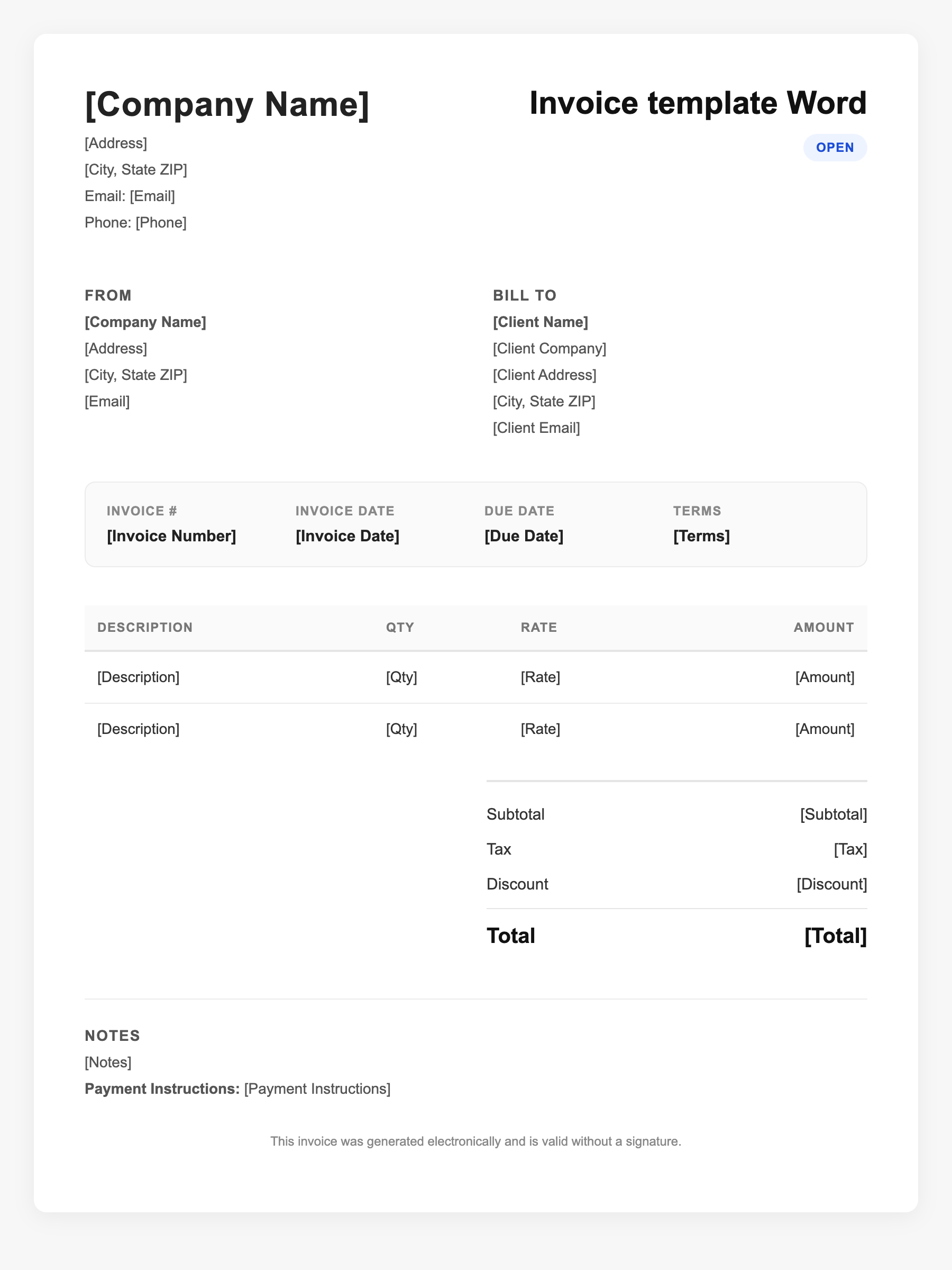
Invoice template Word Sample
Invoice template Word
123 Business Street, City, Country
Phone: (123) 456-7890
Email: contact@company.com
Invoice template Word
Bill To:
Client Name
Client Address
Client City, Country
Phone: (987) 654-3210
Email: client@example.com
Invoice #: 12345
Date: 2024-10-10
Due Date: 2024-11-10
| Item | Description | Qty | Price | Total |
|---|---|---|---|---|
| Service A | Itemized service or product | 1 | $100.00 | $100.00 |
| Service B | Additional line item | 2 | $50.00 | $100.00 |
| Subtotal | $200.00 | |||
| Tax (10%) | $20.00 | |||
| Total Due | $220.00 | |||
An invoice should include your business or name, the customer’s details, the date and invoice number, and a line-by-line breakdown of what was provided. Including payment terms—such as due on receipt, Net 15, or Net 30—helps you get paid on time and keeps records clear for taxes.
Supporting resources
| Resource | Type | Description |
|---|---|---|
| Microsoft Create estimates and invoices | Government/Provider | Word and Excel invoice templates; create estimates and invoices; official support guidance. |
| Vertex42 Word invoice template | Provider | Free .docx invoice template; Word 2007+; note: no auto-calculation (unlike Excel version). |
| FreshBooks Word templates | Provider | Free customizable Word invoice templates; download and edit. |
Frequently Asked Questions
- Where do I find a Word invoice template?
- In Word: File > New, then search "invoice." Or go to create.microsoft.com and browse invoice templates; many are available in both Word and Excel.
- Does Word calculate invoice totals automatically?
- Standard Word templates don’t auto-calculate. You type in totals or use a table formula. For automatic math, use an Excel template or invoicing software.
- Can I save a Word invoice as PDF?
- Yes. File > Save As and choose PDF, or File > Export. PDF is the usual format for sending invoices to clients.