Invoice template PDF
Invoice template PDF is a printable, send-ready invoice in PDF format. PDFs keep layout and fonts consistent and are easy to attach to email or print; they’re the usual format clients expect. Fillable PDF templates let you type into fields and re-save; static PDFs are best when you generate the PDF from Word, Excel, or invoicing software. Use a PDF template when you want a fixed, professional look and don’t need the client to edit the file.
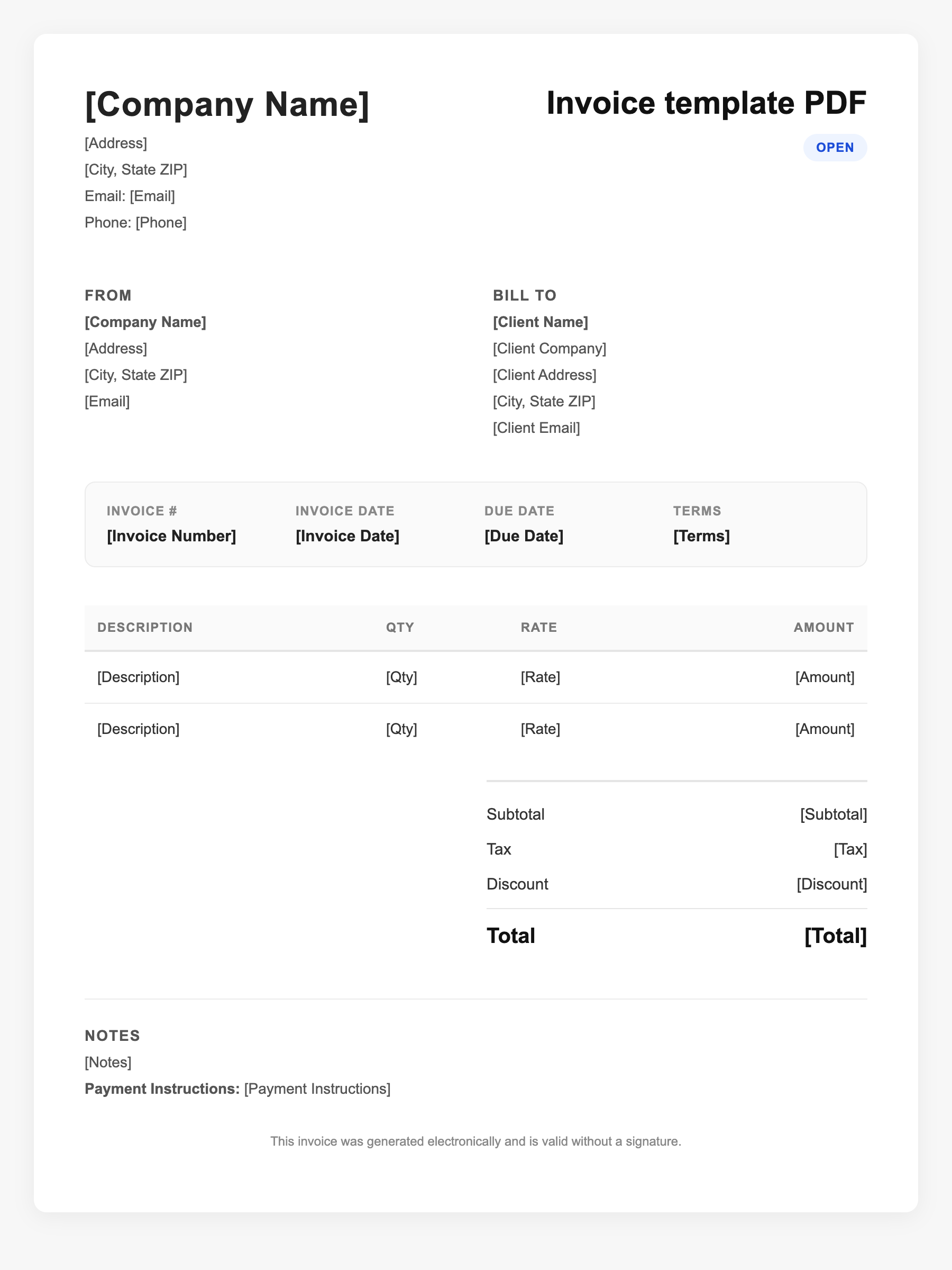
Invoice template PDF Sample
Invoice template PDF
123 Business Street, City, Country
Phone: (123) 456-7890
Email: contact@company.com
Invoice template PDF
Bill To:
Client Name
Client Address
Client City, Country
Phone: (987) 654-3210
Email: client@example.com
Invoice #: 12345
Date: 2024-10-10
Due Date: 2024-11-10
| Item | Description | Qty | Price | Total |
|---|---|---|---|---|
| Service A | Itemized service or product | 1 | $100.00 | $100.00 |
| Service B | Additional line item | 2 | $50.00 | $100.00 |
| Subtotal | $200.00 | |||
| Tax (10%) | $20.00 | |||
| Total Due | $220.00 | |||
An invoice should include your business or name, the customer’s details, the date and invoice number, and a line-by-line breakdown of what was provided. Including payment terms—such as due on receipt, Net 15, or Net 30—helps you get paid on time and keeps records clear for taxes.
Supporting resources
| Resource | Type | Description |
|---|---|---|
| Professional PDF invoice elements | Checklist | Business name/logo, client details, invoice number and date, itemized table (description, qty, rate, amount), subtotal, tax, total, payment terms and due date. |
| PDF vs. editable formats | Industry guide | PDF: consistent print/email, small size; hard to change without form fields or source file. Word/Excel: easier to edit; export to PDF for sending. |
| Invoice Simple PDF template | Provider | Free PDF invoice template; essential fields and totals; export from app or use static template. |
Frequently Asked Questions
- Why use a PDF invoice instead of Word or Excel?
- PDFs look the same on every device, are easy to attach and print, and can’t be accidentally edited by the client. They’re the standard for sending professional invoices.
- Can I edit a PDF invoice after saving?
- Only if it’s a fillable form or you use PDF editing software. Many people edit in Word or Excel and then export or print to PDF for each new invoice.
- What should a PDF invoice include?
- Your and client contact info, invoice number and date, line items with quantities and amounts, subtotal, tax if applicable, total due, payment terms, and how to pay.