Invoice template Google Docs
Invoice template Google Docs is an invoice you create or upload in Google Docs (or Sheets) so you can edit and store it in the cloud and share or download as PDF. Google doesn’t ship a dedicated invoice template in the default gallery, but you can use a business-letter-style template, import a Word/Excel invoice into Docs, or use a free template from sites like FreshBooks or ProjectManager. Benefits include access from any device, easy PDF export, and optional collaboration.
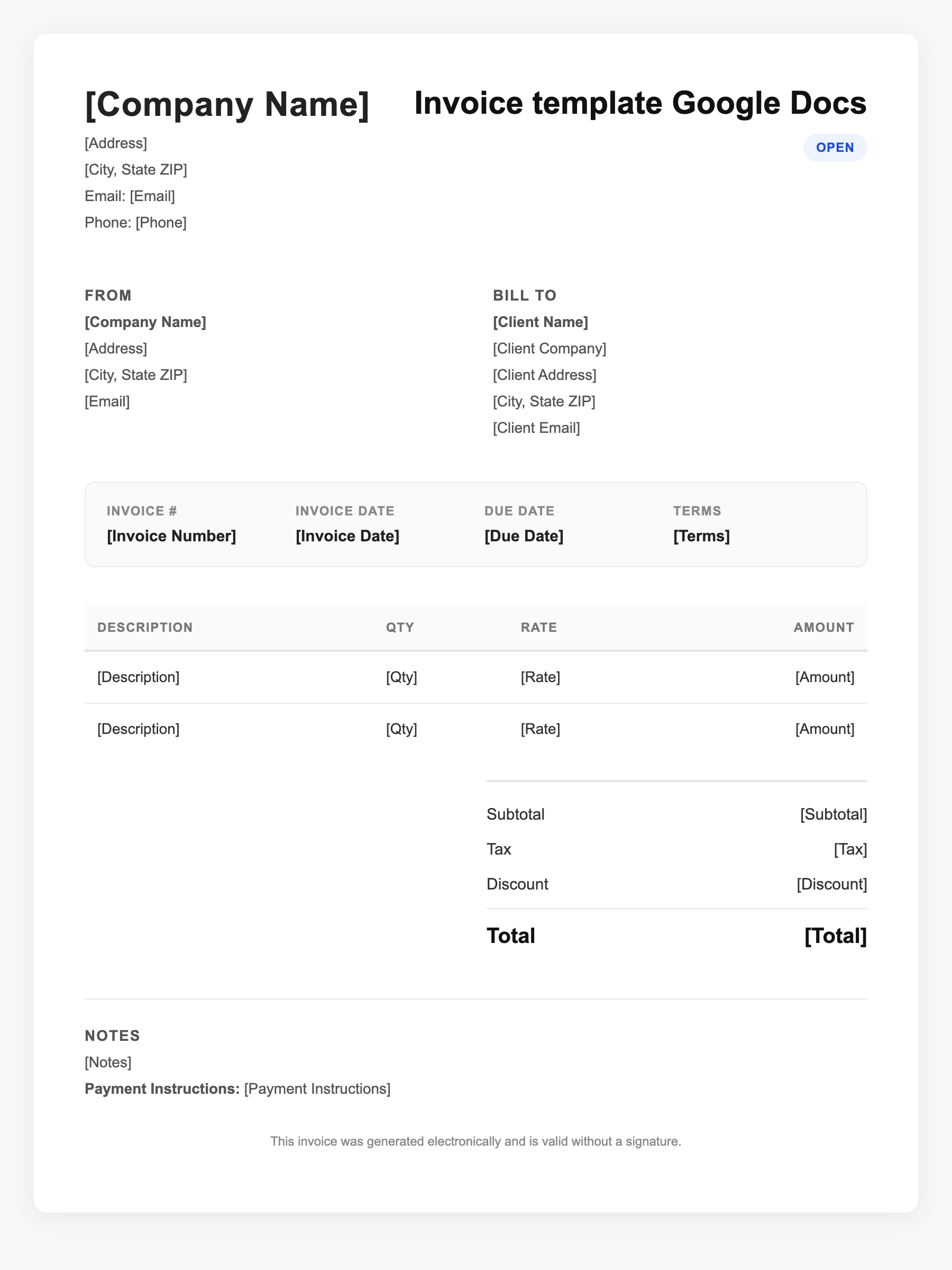
Invoice template Google Docs Sample
Invoice template Google Docs
123 Business Street, City, Country
Phone: (123) 456-7890
Email: contact@company.com
Invoice template Google Docs
Bill To:
Client Name
Client Address
Client City, Country
Phone: (987) 654-3210
Email: client@example.com
Invoice #: 12345
Date: 2024-10-10
Due Date: 2024-11-10
| Item | Description | Qty | Price | Total |
|---|---|---|---|---|
| Service A | Itemized service or product | 1 | $100.00 | $100.00 |
| Service B | Additional line item | 2 | $50.00 | $100.00 |
| Subtotal | $200.00 | |||
| Tax (10%) | $20.00 | |||
| Total Due | $220.00 | |||
An invoice should include your business or name, the customer’s details, the date and invoice number, and a line-by-line breakdown of what was provided. Including payment terms—such as due on receipt, Net 15, or Net 30—helps you get paid on time and keeps records clear for taxes.
Supporting resources
| Resource | Type | Description |
|---|---|---|
| Google Docs template gallery | Provider | From Docs home, use Template gallery; adapt a business or letter template into an invoice layout. |
| FreshBooks Google Docs invoice templates | Provider | Free Google Docs invoice templates; download and open in Drive; customizable fields and branding. |
| Build your own in Docs | Checklist | Create doc, add business and client sections, insert table for line items (description, qty, rate, total), add totals and payment terms; save as template in Drive. |
Frequently Asked Questions
- Does Google Docs have an invoice template?
- There’s no built-in "Invoice" template in the default gallery. You can use a generic business template, import a Word/Excel invoice, or download a third-party Google Docs invoice template.
- Can I convert an Excel invoice to Google Docs?
- You can open or import the file in Google Drive; Excel files often open in Google Sheets (better for calculations). For a document-style invoice, build in Docs or paste from Word.
- How do I send a Google Docs invoice as PDF?
- In Docs: File > Download > PDF. Then attach the PDF to an email or use Gmail to send. You can also share the Doc link if the client only needs to view it.