Google Sheets invoice template
Google Sheets invoice template lets freelancers and small businesses create itemized invoices with automatic calculations (line totals, subtotal, tax, balance) inside a spreadsheet. You get a single place for client info, dates, line items, and formulas that update the total; many templates support logo, payment terms, and PDF export via Print or add-ons. It’s a good fit if you already use Sheets for time or project tracking.
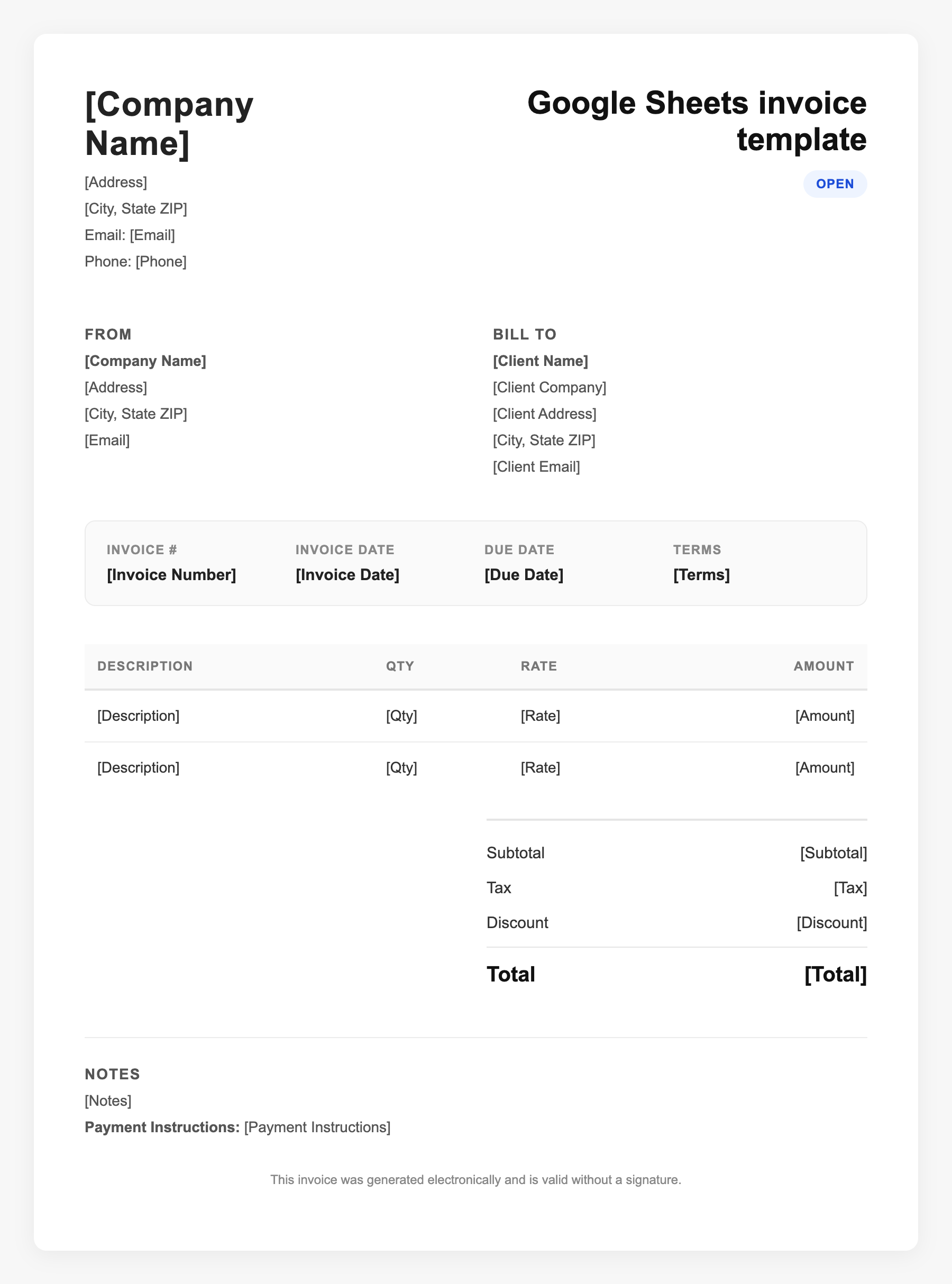
Google Sheets invoice template Sample
Google Sheets invoice template
123 Business Street, City, Country
Phone: (123) 456-7890
Email: contact@company.com
Google Sheets invoice template
Bill To:
Client Name
Client Address
Client City, Country
Phone: (987) 654-3210
Email: client@example.com
Invoice #: 12345
Date: 2024-10-10
Due Date: 2024-11-10
| Item | Description | Qty | Price | Total |
|---|---|---|---|---|
| Service A | Itemized service or product | 1 | $100.00 | $100.00 |
| Service B | Additional line item | 2 | $50.00 | $100.00 |
| Subtotal | $200.00 | |||
| Tax (10%) | $20.00 | |||
| Total Due | $220.00 | |||
An invoice should include your business or name, the customer’s details, the date and invoice number, and a line-by-line breakdown of what was provided. Including payment terms—such as due on receipt, Net 15, or Net 30—helps you get paid on time and keeps records clear for taxes.
Supporting resources
| Resource | Type | Description |
|---|---|---|
| Sheetrix Invoice Template | Template | Free Sheets template with formulas for line totals and final balance; for small business and freelancers. |
| Invoice Fly Google Sheets | Template | Professional Sheets templates in multiple colors; includes business header, itemized table, and notes. |
| Built-in formulas | Checklist | Use =TODAY(), =TODAY()+30 for due date; SUM for subtotals; multiply quantity by unit price for line totals. |
| PDF export | Workflow | File → Print → Save as PDF or use add-ons to generate client-ready PDF invoices from a sheet. |
Frequently Asked Questions
- How do I add my logo to a Google Sheets invoice?
- Use Insert → Image → Image over cells and place your logo in the header area; resize so it doesn’t overlap critical data.
- Can a Sheets invoice template calculate tax automatically?
- Yes. Add a row for tax (e.g. 8% of subtotal) with a formula like =Subtotal*0.08 and a total row that sums subtotal and tax.
- What’s the advantage of Sheets over Docs for invoicing?
- Sheets gives you automatic math, easy duplication of rows, and the ability to link to other sheets (e.g. time log or project list) for data-driven invoices.