Google invoice template
Google invoice template refers to invoice layouts built in Google Docs (or Drive) so you can bill clients without desktop software. Free Docs templates offer fields for invoice number, date, client details, line items, totals, and payment terms; they’re ideal for freelancers and small businesses already in the Google ecosystem. You can customize branding, save as PDF, and share or print directly from Drive.
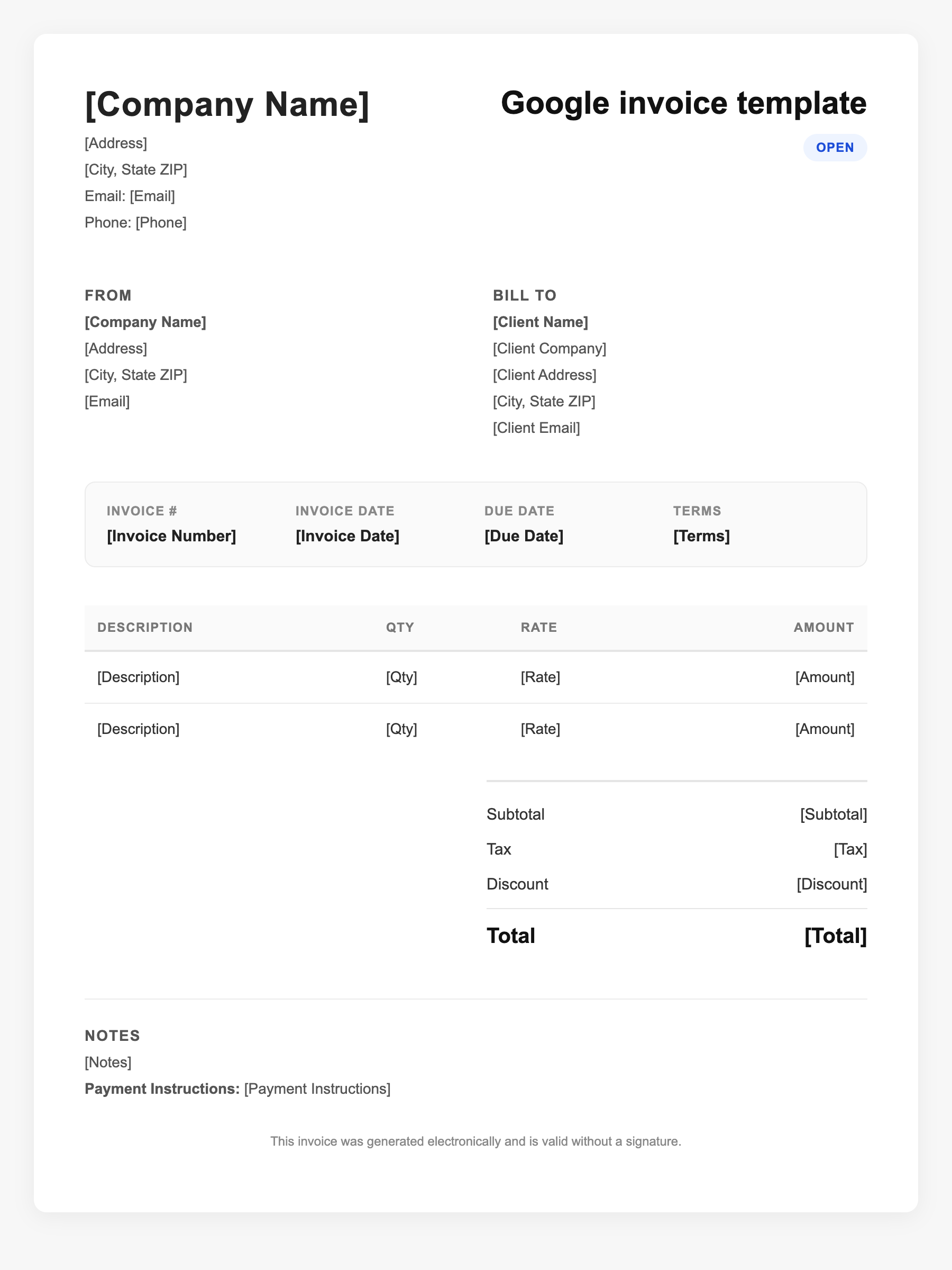
Google invoice template Sample
Google invoice template
123 Business Street, City, Country
Phone: (123) 456-7890
Email: contact@company.com
Google invoice template
Bill To:
Client Name
Client Address
Client City, Country
Phone: (987) 654-3210
Email: client@example.com
Invoice #: 12345
Date: 2024-10-10
Due Date: 2024-11-10
| Item | Description | Qty | Price | Total |
|---|---|---|---|---|
| Service A | Itemized service or product | 1 | $100.00 | $100.00 |
| Service B | Additional line item | 2 | $50.00 | $100.00 |
| Subtotal | $200.00 | |||
| Tax (10%) | $20.00 | |||
| Total Due | $220.00 | |||
An invoice should include your business or name, the customer’s details, the date and invoice number, and a line-by-line breakdown of what was provided. Including payment terms—such as due on receipt, Net 15, or Net 30—helps you get paid on time and keeps records clear for taxes.
Supporting resources
| Resource | Type | Description |
|---|---|---|
| Google Docs Template Gallery | Government / Platform | Google’s own template gallery includes business and invoice-style docs; adaptable for simple billing. |
| Simple Invoice (Google Docs) | Template | Minimal layout with invoice number, recipient, date, description, amount, and total; easy to duplicate per client. |
| Freelance Invoice (Docs) | Template | Designed for project name, hourly rate, hours, and multiple line items; common in freelance and consulting. |
| Smartsheet / gdoc.io | Industry guide | Third-party free Google Docs invoice templates with itemized tables and payment terms; downloadable and editable. |
Frequently Asked Questions
- Where can I find a free Google invoice template?
- Google Docs Template Gallery, Smartsheet, gdoc.io, and providers like FreshBooks offer free Docs-compatible invoice templates you can copy and customize.
- What should a Google invoice template include?
- Your business name and contact, client name and address, invoice number and date, itemized services or products with quantities and prices, subtotal, tax if applicable, total, and payment terms and methods.
- Can I turn a Google Docs invoice into a PDF?
- Yes. In Docs use File → Download → PDF, or File → Print → Save as PDF so you can send a professional PDF to clients.