Google Forms invoice template
Google Forms invoice template is used by small businesses and solopreneurs who collect billing details via Google Forms and need a structured way to turn form responses into invoices. Forms don't have native invoicing; add-ons like Form Publisher or Payable can generate itemized invoices or payment links from form data. A template helps you standardize fields (client name, services, amounts) so exported or manually created invoices stay consistent.
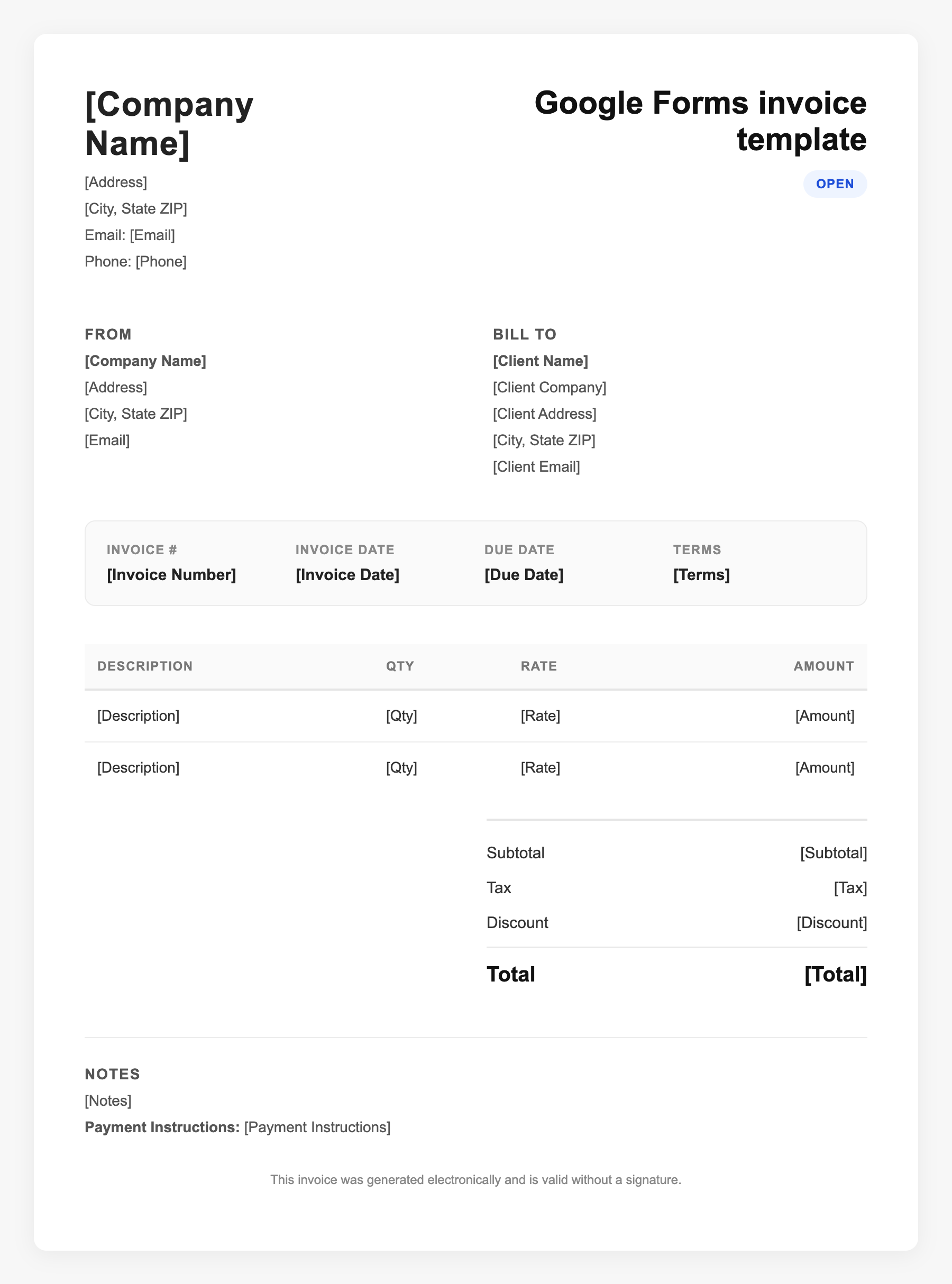
Google Forms invoice template Sample
Google Forms invoice template
123 Business Street, City, Country
Phone: (123) 456-7890
Email: contact@company.com
Google Forms invoice template
Bill To:
Client Name
Client Address
Client City, Country
Phone: (987) 654-3210
Email: client@example.com
Invoice #: 12345
Date: 2024-10-10
Due Date: 2024-11-10
| Item | Description | Qty | Price | Total |
|---|---|---|---|---|
| Service A | Itemized service or product | 1 | $100.00 | $100.00 |
| Service B | Additional line item | 2 | $50.00 | $100.00 |
| Subtotal | $200.00 | |||
| Tax (10%) | $20.00 | |||
| Total Due | $220.00 | |||
An invoice should include your business or name, the customer’s details, the date and invoice number, and a line-by-line breakdown of what was provided. Including payment terms—such as due on receipt, Net 15, or Net 30—helps you get paid on time and keeps records clear for taxes.
Supporting resources
| Resource | Type | Description |
|---|---|---|
| Form Publisher | Add-on | Generates personalized invoice documents from Google Form responses; customizable templates. |
| Payable (Forms) | Add-on | Adds payment processing to Forms; clients receive itemized invoice with payment link via responder email. |
| Sheets + Forms | Workflow | Connect Forms to Sheets to collect billing data; use formulas or manual export to build invoices—more manual but no add-on cost. |
| Limitation | Benchmark | Manual Forms-to-invoice workflows often take 3–5x longer than dedicated invoicing tools; higher error risk and no built-in PDF or branding. |
Frequently Asked Questions
- Does Google Forms have a built-in invoice feature?
- No. Google Forms is for surveys and data collection; it has no invoice numbering, tax math, or PDF export. Use add-ons or export to Sheets and create invoices there.
- What should I collect in a Forms-based invoice workflow?
- Capture client name and email, service description, quantity, unit price, due date, and any tax or discount so your resulting invoice has all required line items.
- When is a Google Forms invoice template a good fit?
- When you already use Forms for intake or orders and want a free, lightweight way to turn responses into bills without buying separate invoicing software.