Google Docs invoice template
Google Docs invoice template is an invoice layout you use inside Google Docs: add your and client details, line items, and totals, then save and download as PDF or share. It’s free, cloud-based, and works on any device. Ideal for freelancers and small businesses who want a simple, editable invoice without extra software.
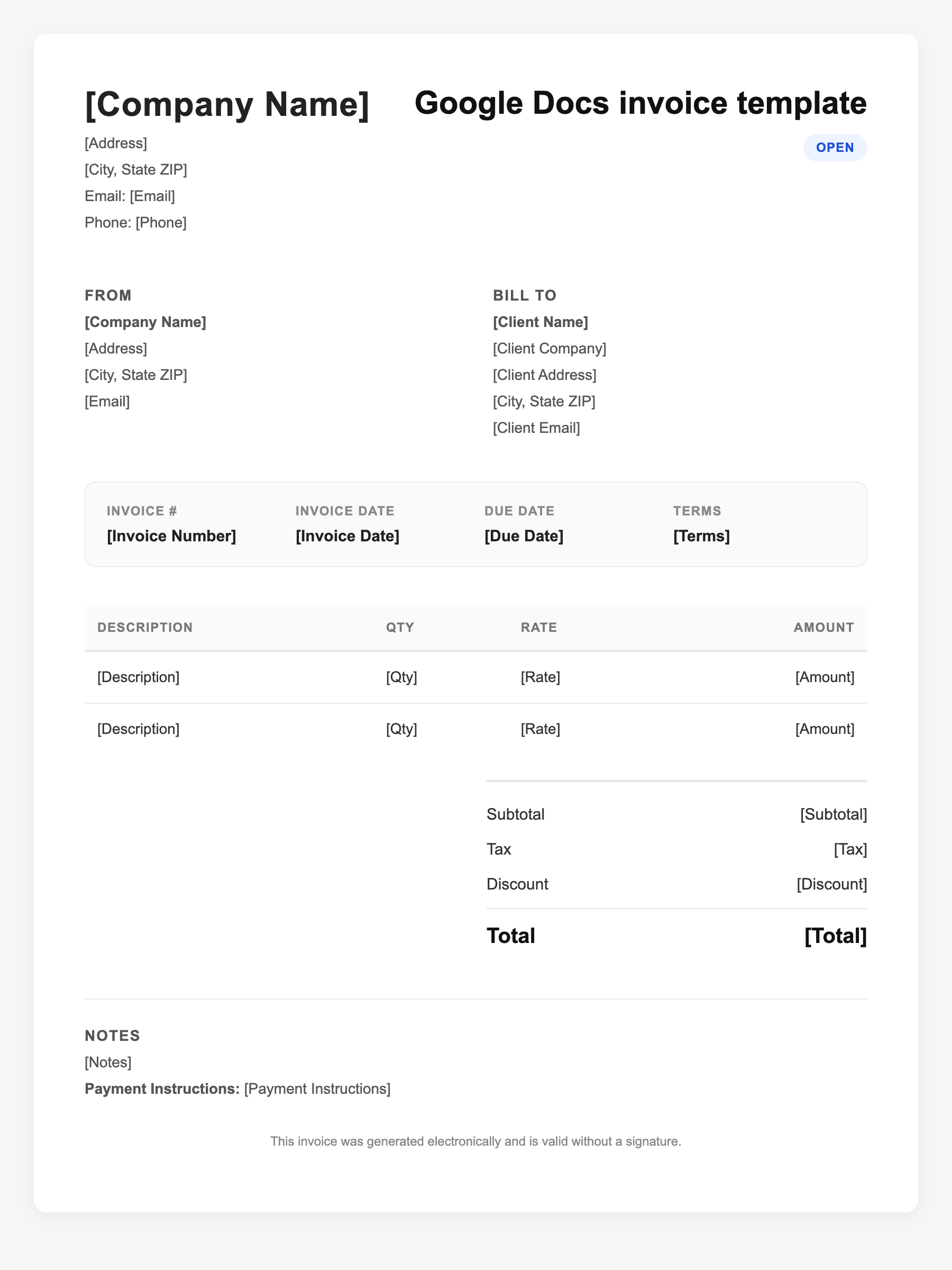
Google Docs invoice template Sample
Google Docs invoice template
123 Business Street, City, Country
Phone: (123) 456-7890
Email: contact@company.com
Google Docs invoice template
Bill To:
Client Name
Client Address
Client City, Country
Phone: (987) 654-3210
Email: client@example.com
Invoice #: 12345
Date: 2024-10-10
Due Date: 2024-11-10
| Item | Description | Qty | Price | Total |
|---|---|---|---|---|
| Service A | Itemized service or product | 1 | $100.00 | $100.00 |
| Service B | Additional line item | 2 | $50.00 | $100.00 |
| Subtotal | $200.00 | |||
| Tax (10%) | $20.00 | |||
| Total Due | $220.00 | |||
An invoice should include your business or name, the customer’s details, the date and invoice number, and a line-by-line breakdown of what was provided. Including payment terms—such as due on receipt, Net 15, or Net 30—helps you get paid on time and keeps records clear for taxes.
Supporting resources
| Resource | Type | Description |
|---|---|---|
| Google Docs templates | Publisher | No dedicated invoice in default gallery; adapt a business doc or use third-party invoice templates for Google Docs. |
| SpellApp – How to make an invoice in Google Docs | Industry guide | Steps: new doc, header with logo and details, client section, invoice number and dates, item table, totals; save as template. |
| Adobe Acrobat – Invoice template Google Docs | Checklist | Benefits: cloud access, auto-save, version history, collaboration; export to PDF for sending to clients. |
Frequently Asked Questions
- Is there an official Google Docs invoice template?
- Google does not provide a dedicated invoice template in the main Docs gallery; use an adapted business template or a third-party template designed for Docs.
- Can I use Google Docs for recurring invoices?
- Yes. Duplicate your invoice doc for each billing period or client, update dates and line items, and download or share as needed.
- How do I add my logo to a Google Docs invoice?
- Insert > Image > Upload from computer (or Drive), then resize and position in the header; use a table or text box for alignment.