Google Docs bill template
Google Docs bill template is a bill or invoice layout you create or open in Google Docs for editing in the cloud. Use it to list services or products, amounts, and payment terms, then download as PDF or share a link. Suits solopreneurs and small teams who want a free, collaborative, and simple billing option.
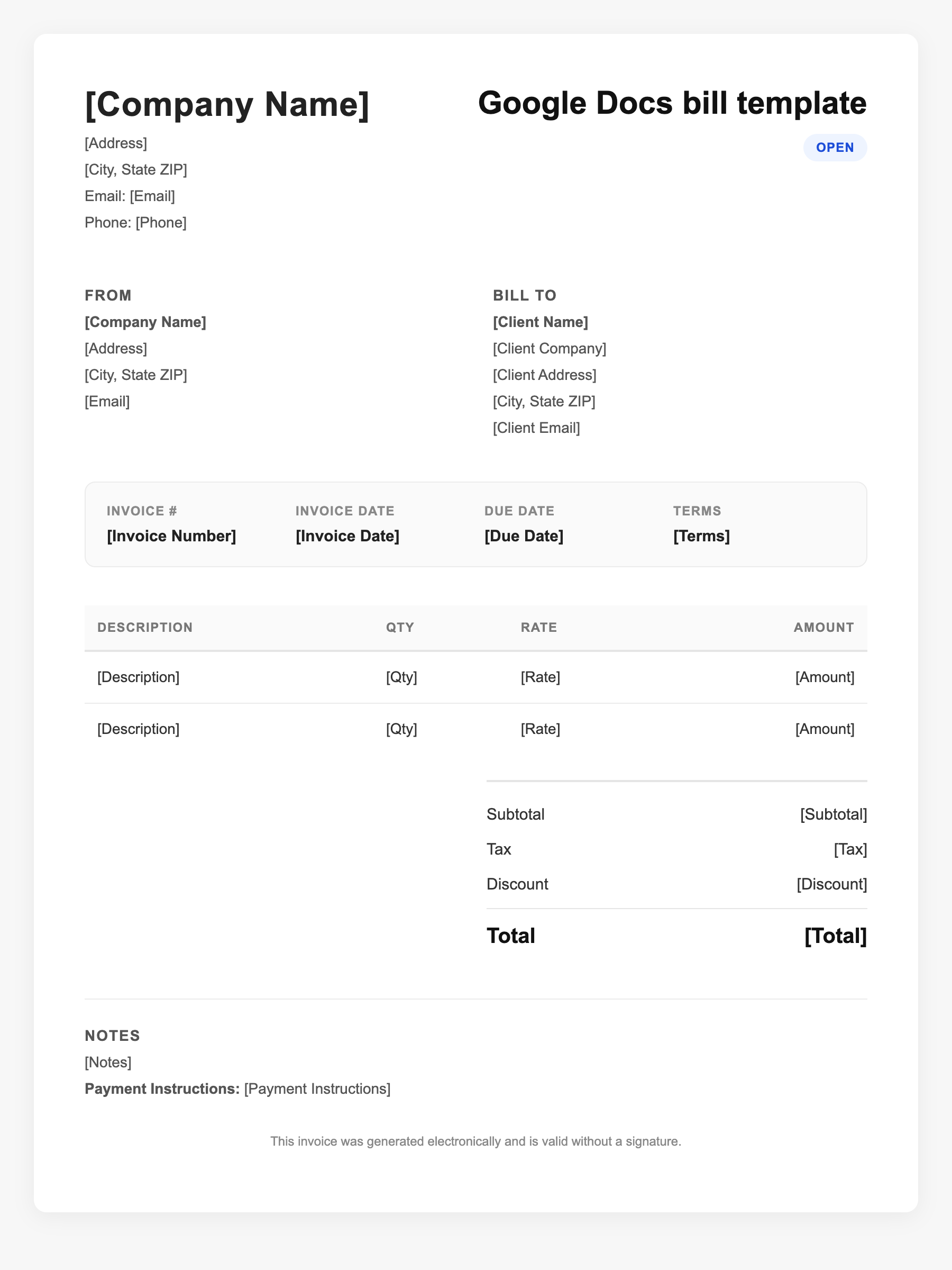
Google Docs bill template Sample
Google Docs bill template
123 Business Street, City, Country
Phone: (123) 456-7890
Email: contact@company.com
Google Docs bill template
Bill To:
Client Name
Client Address
Client City, Country
Phone: (987) 654-3210
Email: client@example.com
Invoice #: 12345
Date: 2024-10-10
Due Date: 2024-11-10
| Item | Description | Qty | Price | Total |
|---|---|---|---|---|
| Service A | Professional services | 1 | $100.00 | $100.00 |
| Service B | Additional work or materials | 2 | $50.00 | $100.00 |
| Subtotal | $200.00 | |||
| Tax (10%) | $20.00 | |||
| Total Due | $220.00 | |||
An invoice should include your business or name, the customer’s details, the date and invoice number, and a line-by-line breakdown of what was provided. Including payment terms—such as due on receipt, Net 15, or Net 30—helps you get paid on time and keeps records clear for taxes.
Supporting resources
| Resource | Type | Description |
|---|---|---|
| Google Docs template gallery | Publisher | Docs does not offer a dedicated invoice template; use business or letter-style templates and adapt, or import from third parties. |
| Invoxa – Invoice template Google Docs | Industry guide | Step-by-step: create header, client block, invoice details, line-item table, subtotal/tax/total; save as master in Drive. |
| ProjectManager.com – Free invoice template Google Docs | Template provider | What to look for: client fields, invoice number and dates, itemized table, tax and discount, payment terms, logo. |
Frequently Asked Questions
- Does Google Docs have a built-in bill or invoice template?
- Google Docs does not include a dedicated invoice template in its main gallery; you can adapt a business template or use a third-party template made for Docs.
- How do I turn a Google Docs bill into a PDF?
- Use File > Download > PDF document (or Print > Save as PDF) to send a fixed-format bill to clients.
- Can I share a Google Docs bill for editing?
- Yes. Share the Doc with collaborators; for clients, sharing a view-only link or sending a PDF is usually better than allowing edit access.