Free invoice template PDF
Free invoice template PDF is a fillable or printable PDF you can use to create invoices and send them as PDFs—the standard format clients expect. Use a PDF template to keep layout consistent and to avoid accidental edits after sending. Many free PDF templates are available from accounting and small-business sites; you can also create an invoice in Word or Excel and save or export as PDF.
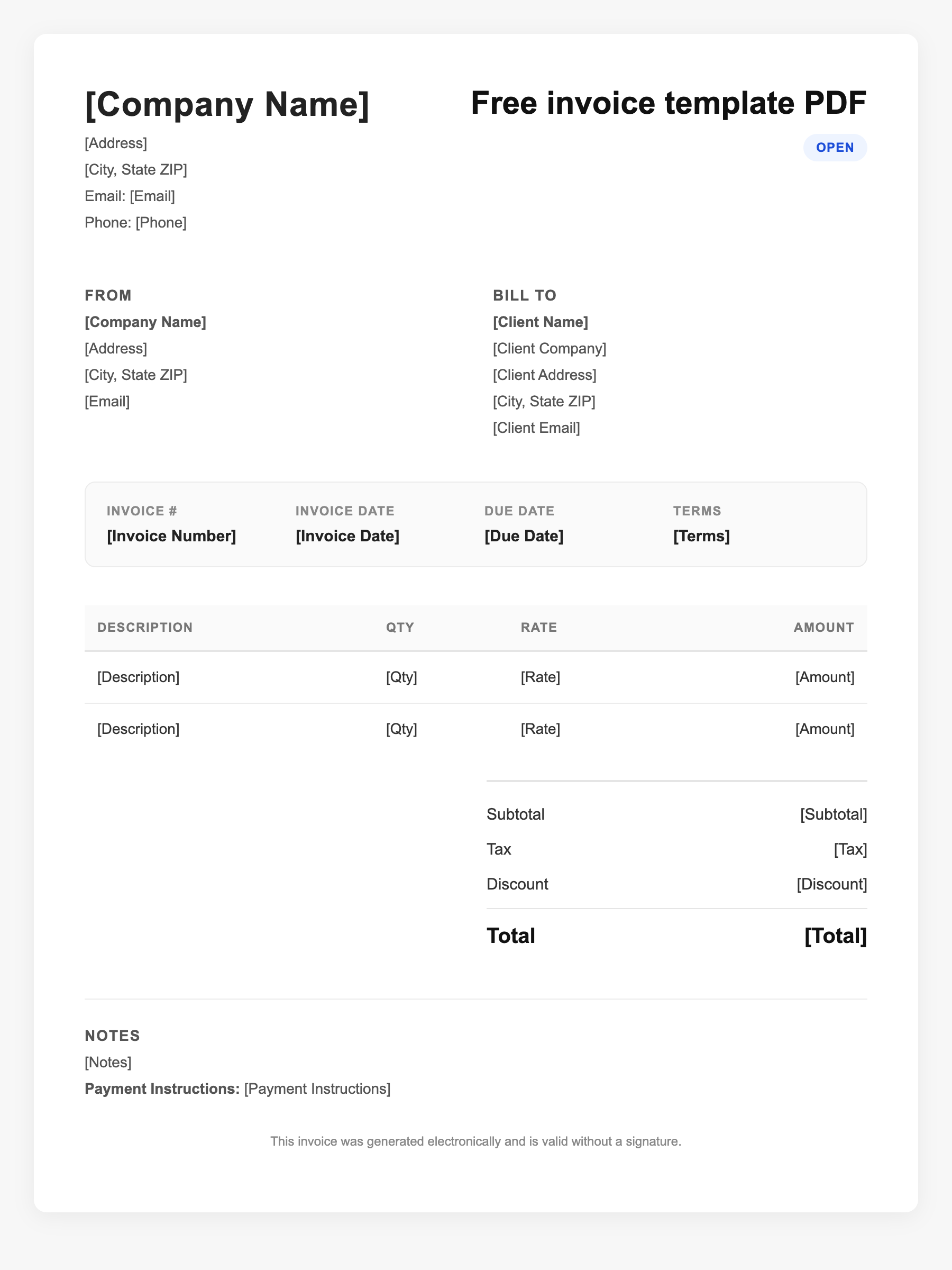
Free invoice template PDF Sample
Free invoice template PDF
123 Business Street, City, Country
Phone: (123) 456-7890
Email: contact@company.com
Free invoice template PDF
Bill To:
Client Name
Client Address
Client City, Country
Phone: (987) 654-3210
Email: client@example.com
Invoice #: 12345
Date: 2024-10-10
Due Date: 2024-11-10
| Item | Description | Qty | Price | Total |
|---|---|---|---|---|
| Consulting | Professional services | 1 | $150.00 | $150.00 |
| Materials | Supplies and expenses | 1 | $75.00 | $75.00 |
| Subtotal | $225.00 | |||
| Tax (10%) | $22.50 | |||
| Total Due | $247.50 | |||
An invoice should include your business or name, the customer’s details, the date and invoice number, and a line-by-line breakdown of what was provided. Including payment terms—such as due on receipt, Net 15, or Net 30—helps you get paid on time and keeps records clear for taxes.
Supporting resources
| Resource | Type | Description |
|---|---|---|
| FreshBooks free PDF invoice template | Template | Free professional invoice template in PDF; customizable; suitable for small business. |
| Smallpdf invoice PDF template | Template | Free invoice PDF templates; edit online or in Office; multiple styles (basic, bill, blank). |
| Why send invoices as PDF | Industry guide | PDF preserves formatting, is widely accepted, and is easy to attach and archive; reduces editing and disputes. |
| Converting Excel/Word to PDF | Checklist | In Excel/Word: File > Save As or Export > PDF. In Google Docs/Sheets: File > Download > PDF. No extra software needed in most cases. |
Frequently Asked Questions
- Why use a PDF for invoices?
- PDFs look the same on any device, can’t be easily edited by the client, and are standard for email and record-keeping. Most accounting software and free templates support export to PDF.
- Can I fill in a PDF invoice template on my phone?
- Yes, if the PDF has form fields. Many PDF readers and apps let you type in fields and save. For complex or multi-page invoices, a computer is often easier.
- Is a PDF invoice valid for taxes?
- Yes. A PDF invoice is a valid record of what you charged and when. Keep a copy for your files; the IRS and state agencies accept electronic records that are legible and complete.