Free invoice template download
Free invoice template download gives you an offline-ready file (Excel, Word, PDF, or Google Docs) so you can create and send invoices without a subscription. Download once, fill in your details and line items, then reuse for each new invoice. Ideal for low volume, one-off jobs, or when you prefer to work in a spreadsheet or document and email the result as a PDF.
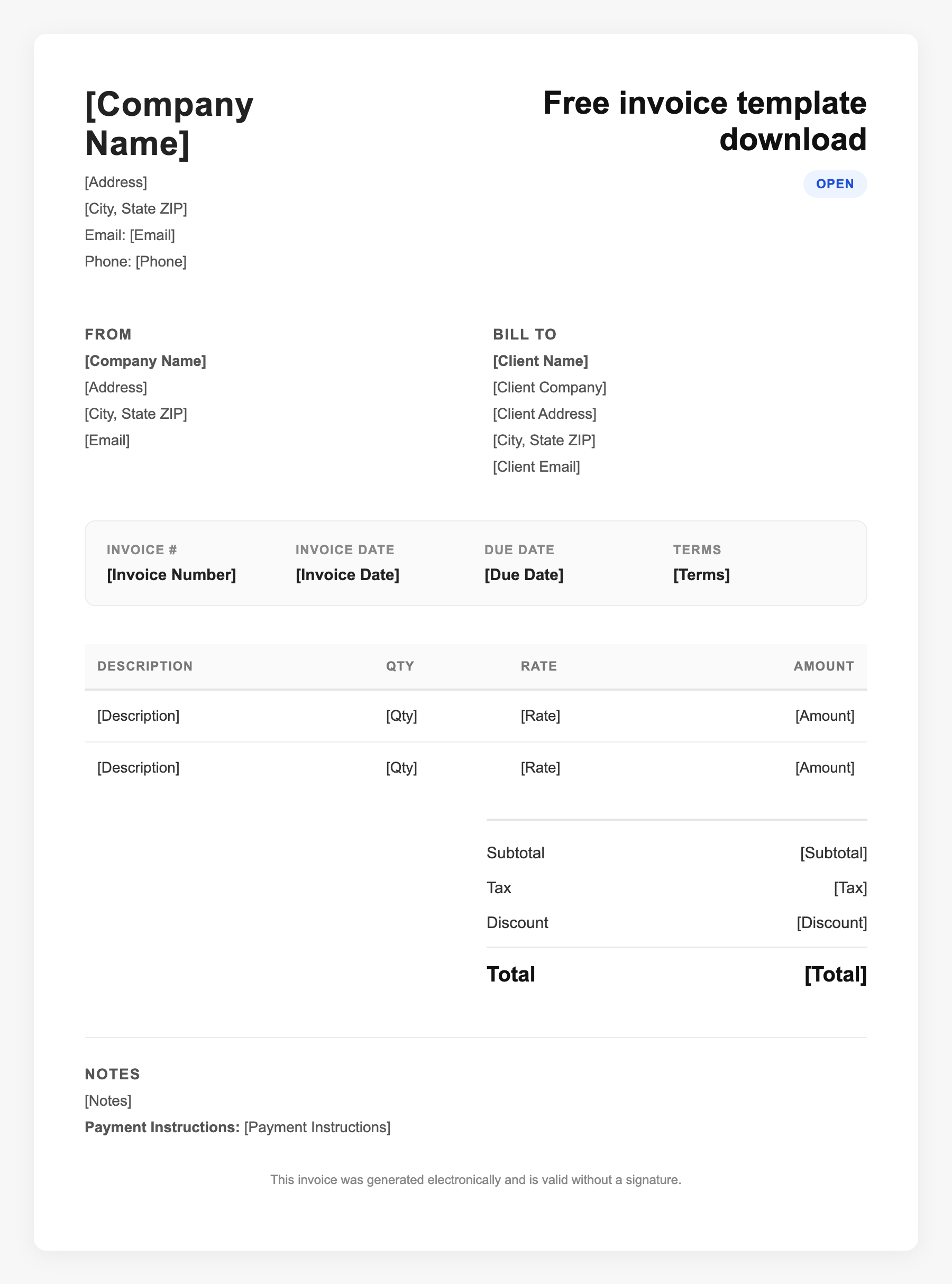
Free invoice template download Sample
Free invoice template download
123 Business Street, City, Country
Phone: (123) 456-7890
Email: contact@company.com
Free invoice template download
Bill To:
Client Name
Client Address
Client City, Country
Phone: (987) 654-3210
Email: client@example.com
Invoice #: 12345
Date: 2024-10-10
Due Date: 2024-11-10
| Item | Description | Qty | Price | Total |
|---|---|---|---|---|
| Consulting | Professional services | 1 | $150.00 | $150.00 |
| Materials | Supplies and expenses | 1 | $75.00 | $75.00 |
| Subtotal | $225.00 | |||
| Tax (10%) | $22.50 | |||
| Total Due | $247.50 | |||
An invoice should include your business or name, the customer’s details, the date and invoice number, and a line-by-line breakdown of what was provided. Including payment terms—such as due on receipt, Net 15, or Net 30—helps you get paid on time and keeps records clear for taxes.
Supporting resources
| Resource | Type | Description |
|---|---|---|
| Microsoft Excel invoice templates | Template | Free downloadable Excel invoice templates; editable, formula-based; open in Excel or compatible apps. |
| Wave free download formats | Template | Free invoice templates in PDF, Word, Excel, Google Docs, Google Sheets; download and customize. |
| InvoiceOwl free templates | Template | Free downloads: PDF, Word, Excel, Google Docs, zip; general and industry-specific options. |
| What to do after downloading | Checklist | Add your logo and contact info; set up line item columns; save a master copy; duplicate and edit for each new invoice. |
Frequently Asked Questions
- What file format should I download for an invoice template?
- Excel or Google Sheets if you want calculations (totals, tax). Word or Google Docs if you prefer a document. PDF if you only need to fill in a fixed form. Many providers offer several formats.
- Can I edit a downloaded invoice template?
- Yes. Editable formats (Excel, Word, Google Docs/Sheets) let you add your logo, change colors and text, and add rows. PDF templates may allow form fields; for full design control use Excel or Word.
- Is it safe to download free invoice templates?
- Stick to known sources (Microsoft, Wave, FreshBooks, Adobe, etc.). Avoid unknown sites that ask for payment or excessive permissions. Template files are typically static documents with no macros; scan if unsure.