Excel invoice template
Excel invoice template gives small businesses a flexible, formula-driven layout for formal payment requests. Use it to list services or products, quantities, rates, tax, and payment terms—ideal for B2B, freelancers, and anyone billing on credit. Excel’s tables auto-calculate line totals and totals, and you can export to PDF or print. Customize colors, fonts, and logo to match your brand.
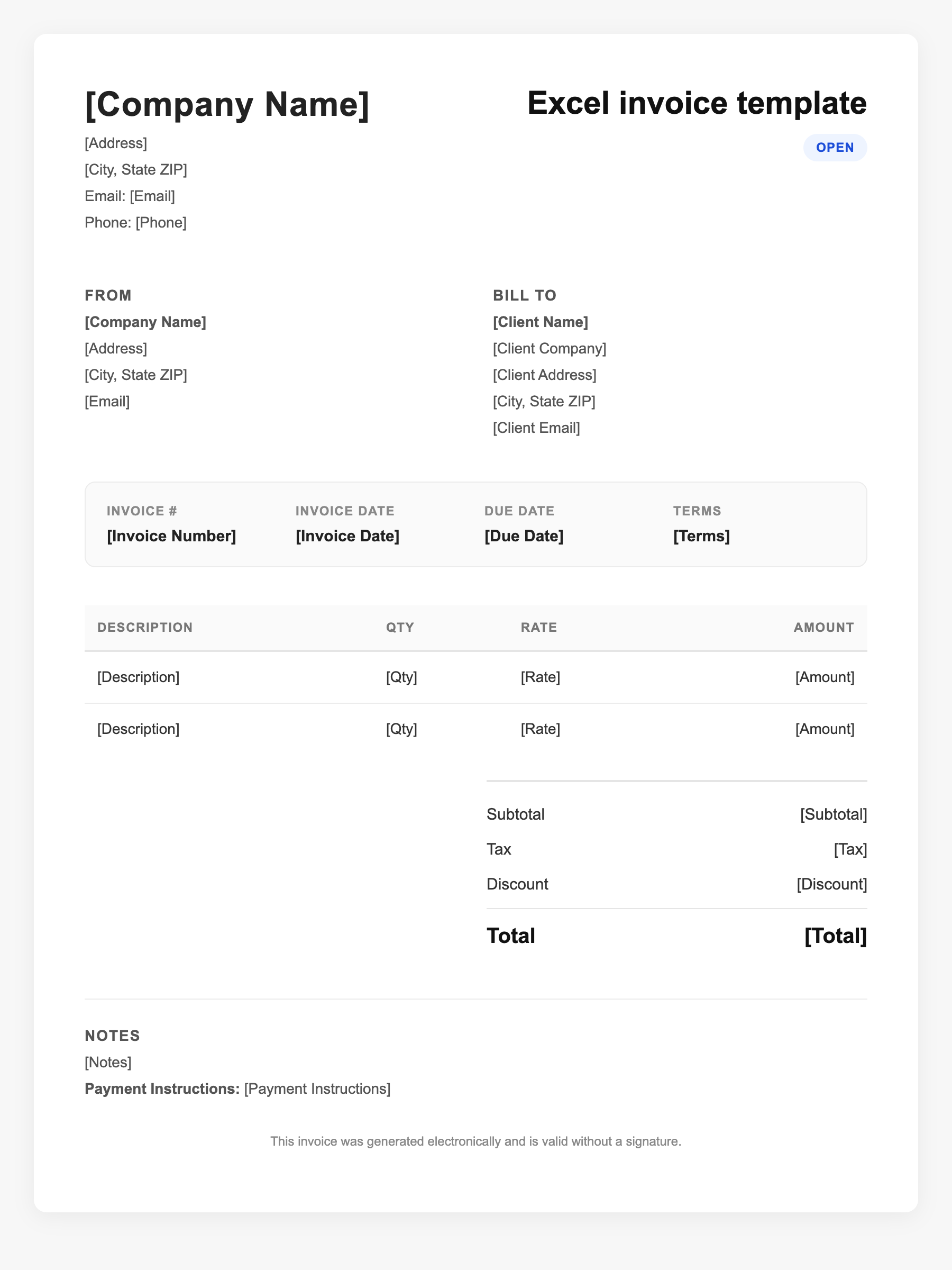
Excel invoice template Sample
Excel invoice template
123 Business Street, City, Country
Phone: (123) 456-7890
Email: contact@company.com
Excel invoice template
Bill To:
Client Name
Client Address
Client City, Country
Phone: (987) 654-3210
Email: client@example.com
Invoice #: 12345
Date: 2024-10-10
Due Date: 2024-11-10
| Item | Description | Qty | Price | Total |
|---|---|---|---|---|
| Service A | Itemized service or product | 1 | $100.00 | $100.00 |
| Service B | Additional line item | 2 | $50.00 | $100.00 |
| Subtotal | $200.00 | |||
| Tax (10%) | $20.00 | |||
| Total Due | $220.00 | |||
An invoice should include your business or name, the customer’s details, the date and invoice number, and a line-by-line breakdown of what was provided. Including payment terms—such as due on receipt, Net 15, or Net 30—helps you get paid on time and keeps records clear for taxes.
Supporting resources
| Resource | Type | Description |
|---|---|---|
| Microsoft Create – Excel invoices | Template | Free editable Excel invoice templates with tables, formulas, and customization (logo, colors, fonts). |
| Customizing an Excel invoice | Industry guide | Add logo via Insert > Pictures; format item list as Excel table; use Table Design for layout. |
| Essential invoice elements | Checklist | Business and client details, invoice number, date, due date, itemized lines with qty/rate, subtotal, tax, total, payment terms and methods. |
| Excel to PDF for delivery | Benchmark | Save or export completed invoice as PDF for email; preserves formatting and looks professional. |
Frequently Asked Questions
- Why use Excel for invoicing instead of Word?
- Excel handles calculations automatically (line totals, subtotal, tax, total), and tables make it easy to add or reorder rows. Word is better for narrative text; Excel is better when you have many line items and numbers.
- What formulas should an Excel invoice template have?
- Use formulas for line total (quantity × rate), subtotal (sum of line totals), tax (subtotal × rate), and total (subtotal + tax). Format the item list as an Excel table so new rows inherit formulas.
- Can I use an Excel invoice for taxes?
- Yes. Keep a copy of each invoice (or export to PDF) for your records. Itemized invoices support income reporting and sales tax compliance.