Excel bill template
Excel bill template is used when you need a simple request for immediate payment—typically at or right after point of sale. Unlike a formal invoice with payment terms and due dates, a bill is brief: price, taxes, date, and business name. Use it for retail, restaurants, salons, or any transaction where the customer pays on receipt. Excel gives you formulas for totals and tax and a layout you can print or email.
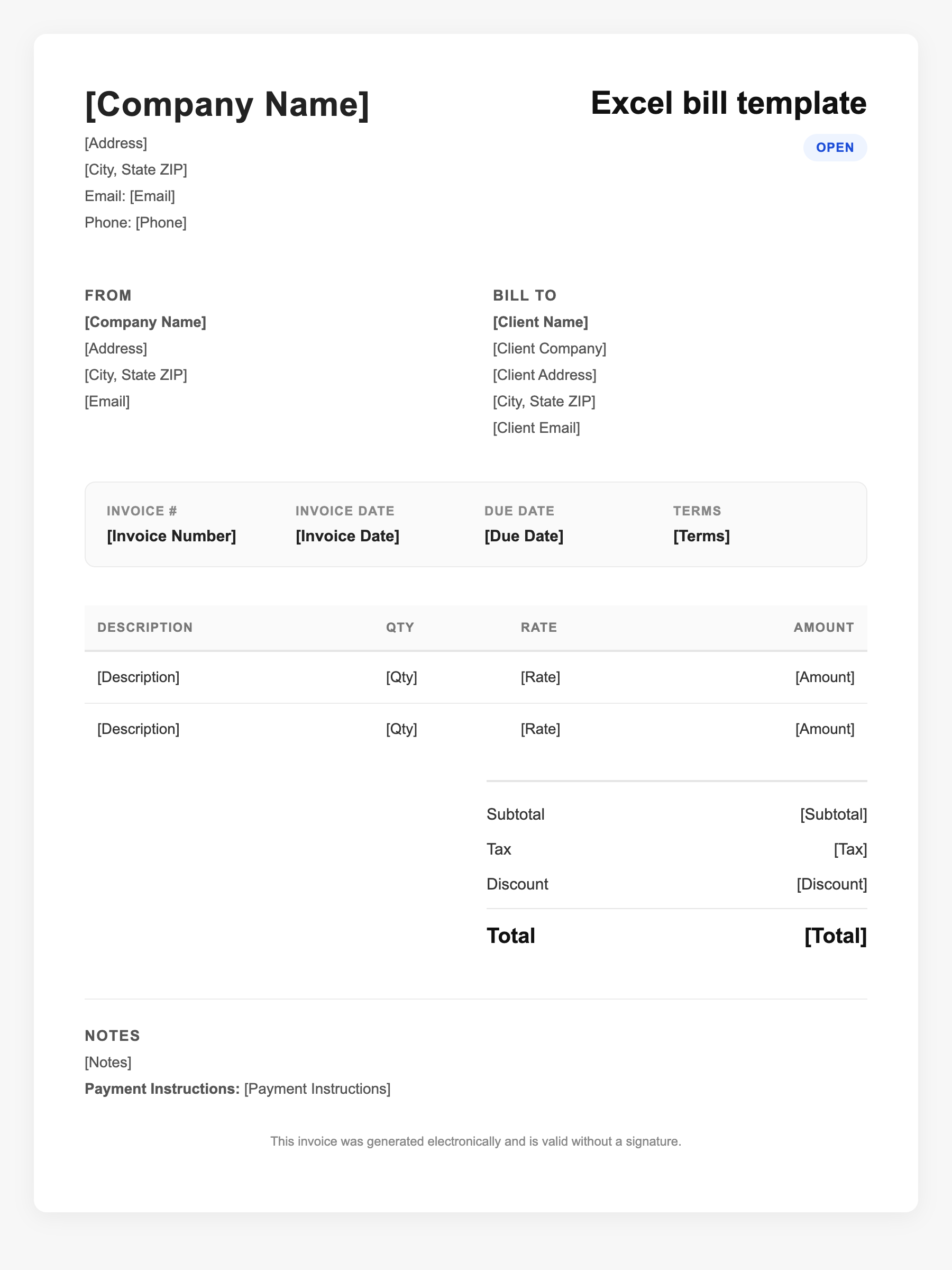
Excel bill template Sample
Excel bill template
123 Business Street, City, Country
Phone: (123) 456-7890
Email: contact@company.com
Excel bill template
Bill To:
Client Name
Client Address
Client City, Country
Phone: (987) 654-3210
Email: client@example.com
Invoice #: 12345
Date: 2024-10-10
Due Date: 2024-11-10
| Item | Description | Qty | Price | Total |
|---|---|---|---|---|
| Service A | Professional services | 1 | $100.00 | $100.00 |
| Service B | Additional work or materials | 2 | $50.00 | $100.00 |
| Subtotal | $200.00 | |||
| Tax (10%) | $20.00 | |||
| Total Due | $220.00 | |||
An invoice should include your business or name, the customer’s details, the date and invoice number, and a line-by-line breakdown of what was provided. Including payment terms—such as due on receipt, Net 15, or Net 30—helps you get paid on time and keeps records clear for taxes.
Supporting resources
| Resource | Type | Description |
|---|---|---|
| Bill vs. invoice (Paystand) | Industry guide | When to use a bill (immediate payment) vs. an invoice (payment later); perspective: vendor sends invoice, customer receives it as a bill. |
| Microsoft Excel bill templates | Template | Free editable bill and receipt-style templates in Excel; customize with logo and branding. |
| Invoice elements checklist | Checklist | For bill-style docs: business name, date, items and prices, tax, total; minimal fields for point-of-sale. |
| Excel table formatting | Benchmark | Format item rows as an Excel table for auto-calc and easy edits; use Table Design for consistent styling. |
Frequently Asked Questions
- What is the difference between a bill and an invoice in Excel?
- A bill is a short request for immediate payment (price, tax, date). An invoice is a formal payment request with terms, due date, and itemization, often used when payment comes later. The same Excel file can serve either if you include the right fields.
- When should I use an Excel bill instead of an invoice?
- Use a bill when payment is due at or right after the transaction—restaurants, retail, salons, one-off services. Use an invoice when you extend credit, do B2B work, or need payment by a future due date.
- What should an Excel bill include?
- Business name and contact, date, list of items or services with prices, subtotal, applicable tax, and total. Keep it brief since the customer is paying immediately.