Bill template Word
Bill template Word is a bill or invoice layout in Microsoft Word so you can edit fields (business name, items, amounts) and reuse the same format. Word is familiar and flexible for one-off or occasional billing; save as PDF before sending if you want a fixed, professional copy.
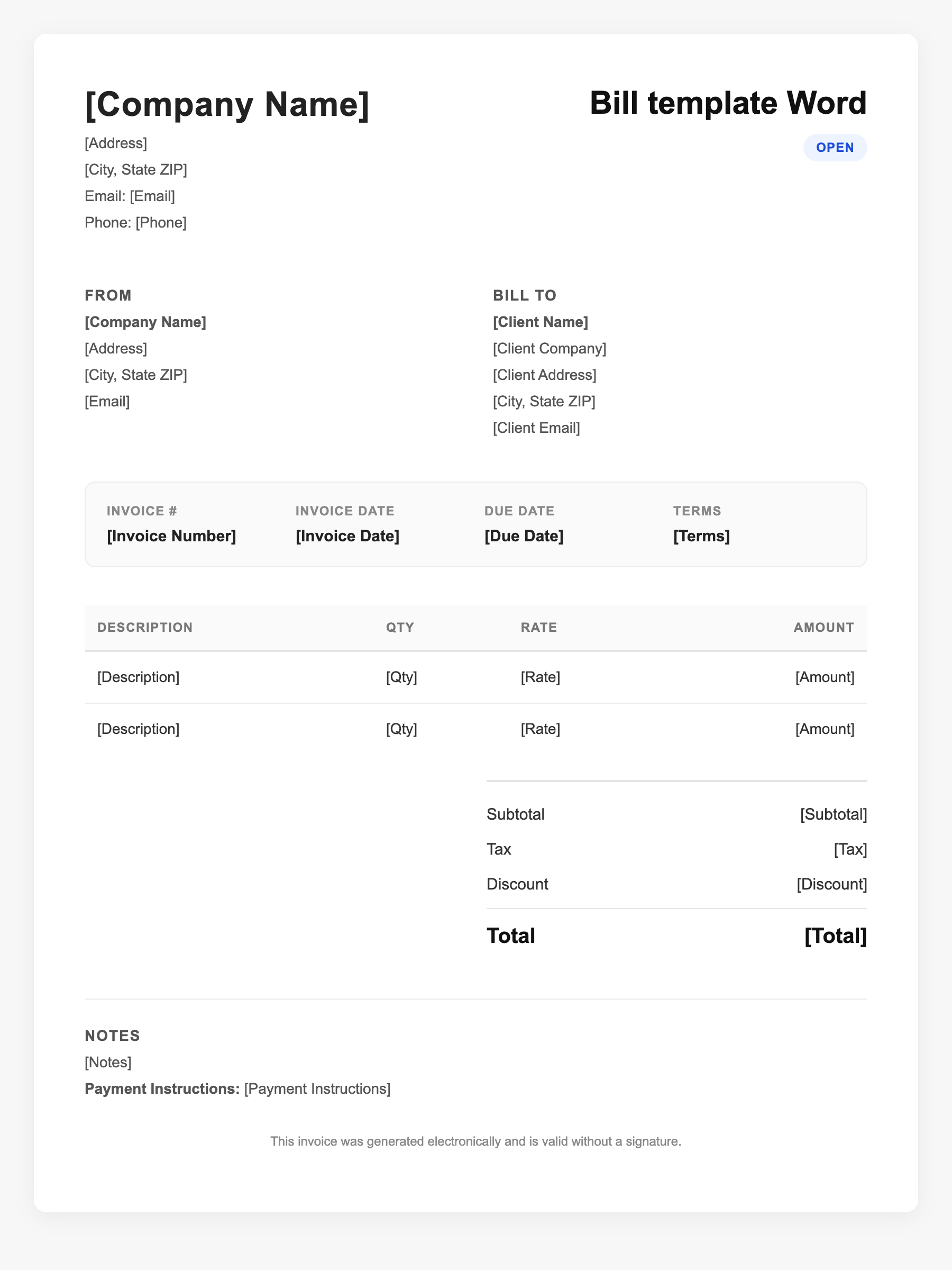
Bill template Word Sample
Bill template Word
123 Business Street, City, Country
Phone: (123) 456-7890
Email: contact@company.com
Bill template Word
Bill To:
Client Name
Client Address
Client City, Country
Phone: (987) 654-3210
Email: client@example.com
Invoice #: 12345
Date: 2024-10-10
Due Date: 2024-11-10
| Item | Description | Qty | Price | Total |
|---|---|---|---|---|
| Service A | Professional services | 1 | $100.00 | $100.00 |
| Service B | Additional work or materials | 2 | $50.00 | $100.00 |
| Subtotal | $200.00 | |||
| Tax (10%) | $20.00 | |||
| Total Due | $220.00 | |||
An invoice should include your business or name, the customer’s details, the date and invoice number, and a line-by-line breakdown of what was provided. Including payment terms—such as due on receipt, Net 15, or Net 30—helps you get paid on time and keeps records clear for taxes.
Supporting resources
| Resource | Type | Description |
|---|---|---|
| Word template advantages | Industry guide | Easy to edit and customize; no extra software; tables and formatting for line items; save as PDF for sending. |
| IRS – Records for small business | Government | Keep supporting documents (invoices/bills) organized; format (Word, PDF) is acceptable if you can produce them when needed. |
| Bill content checklist | Checklist | Your details, client name, date, description of goods/services, quantities and rates, total, due date, and how to pay. |
Frequently Asked Questions
- Why use a Word bill template?
- Word lets you change the layout and text easily. If you already use Word, a template is quick to fill and reuse; you can save each bill as a new file or export to PDF.
- Should I send the Word file or a PDF to the client?
- Sending a PDF is usually better: it keeps formatting consistent and prevents accidental edits. Use Word to edit; then “Save as PDF” or “Print to PDF” before sending.
- What should the Word bill include?
- Include your business name and contact info, client name, invoice/bill number, date, itemized lines (description, quantity, rate, amount), subtotal, tax if any, total due, and payment instructions.