Bill template PDF
Bill template PDF is a bill or invoice layout designed to be filled and sent as a PDF. PDFs keep formatting fixed, are easy to attach to email or print, and are widely accepted for records and payment. Use it when you want a professional, non-editable bill that matches print and digital use.
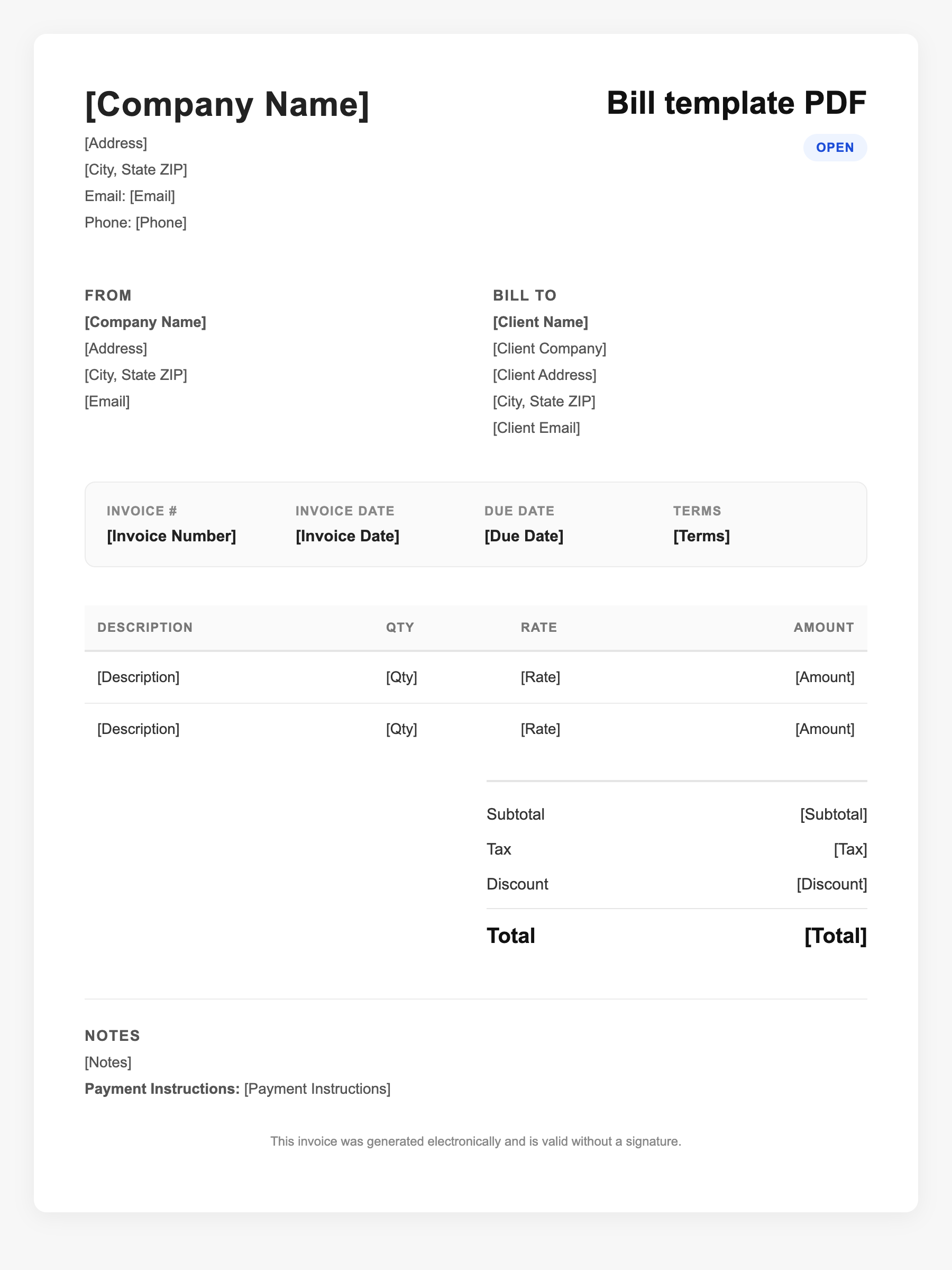
Bill template PDF Sample
Bill template PDF
123 Business Street, City, Country
Phone: (123) 456-7890
Email: contact@company.com
Bill template PDF
Bill To:
Client Name
Client Address
Client City, Country
Phone: (987) 654-3210
Email: client@example.com
Invoice #: 12345
Date: 2024-10-10
Due Date: 2024-11-10
| Item | Description | Qty | Price | Total |
|---|---|---|---|---|
| Service A | Professional services | 1 | $100.00 | $100.00 |
| Service B | Additional work or materials | 2 | $50.00 | $100.00 |
| Subtotal | $200.00 | |||
| Tax (10%) | $20.00 | |||
| Total Due | $220.00 | |||
An invoice should include your business or name, the customer’s details, the date and invoice number, and a line-by-line breakdown of what was provided. Including payment terms—such as due on receipt, Net 15, or Net 30—helps you get paid on time and keeps records clear for taxes.
Supporting resources
| Resource | Type | Description |
|---|---|---|
| Why use PDF for invoices | Industry guide | PDF preserves layout and fonts; readable on any device; suitable for email and print; reduces accidental edits; commonly accepted by clients and accounting. |
| IRS – Electronic records | Government | Scanned and digital records (e.g., PDF invoices) are acceptable if accurate, stored, and reproducible. |
| Bill template elements | Checklist | Seller and buyer info, line items with amounts, subtotal, tax, total due, due date, and payment instructions; PDF keeps these intact. |
Frequently Asked Questions
- Why use a PDF bill instead of Word or email text?
- PDF looks the same on every device and when printed, and recipients can’t easily change it. That makes it good for formal bills and for archiving.
- Is a PDF bill valid for taxes?
- Yes. The IRS accepts electronic records, including PDFs, if they are accurate and you can store and reproduce them. Keep PDFs with your other supporting documents.
- How do I fill out a PDF bill template?
- Use a PDF editor or a form-fill tool to enter your business details, line items, and totals. Then save and send the filled PDF by email or print and mail.