American Red Cross invoice template
American Red Cross invoice template is used by vendors and suppliers who provide goods or services to the American Red Cross. Invoices are submitted and managed through Red Cross Invoice Central; vendors should register in the supplier portal and follow Red Cross payment and submission requirements. Clear, accurate invoices support faster approval and payment.
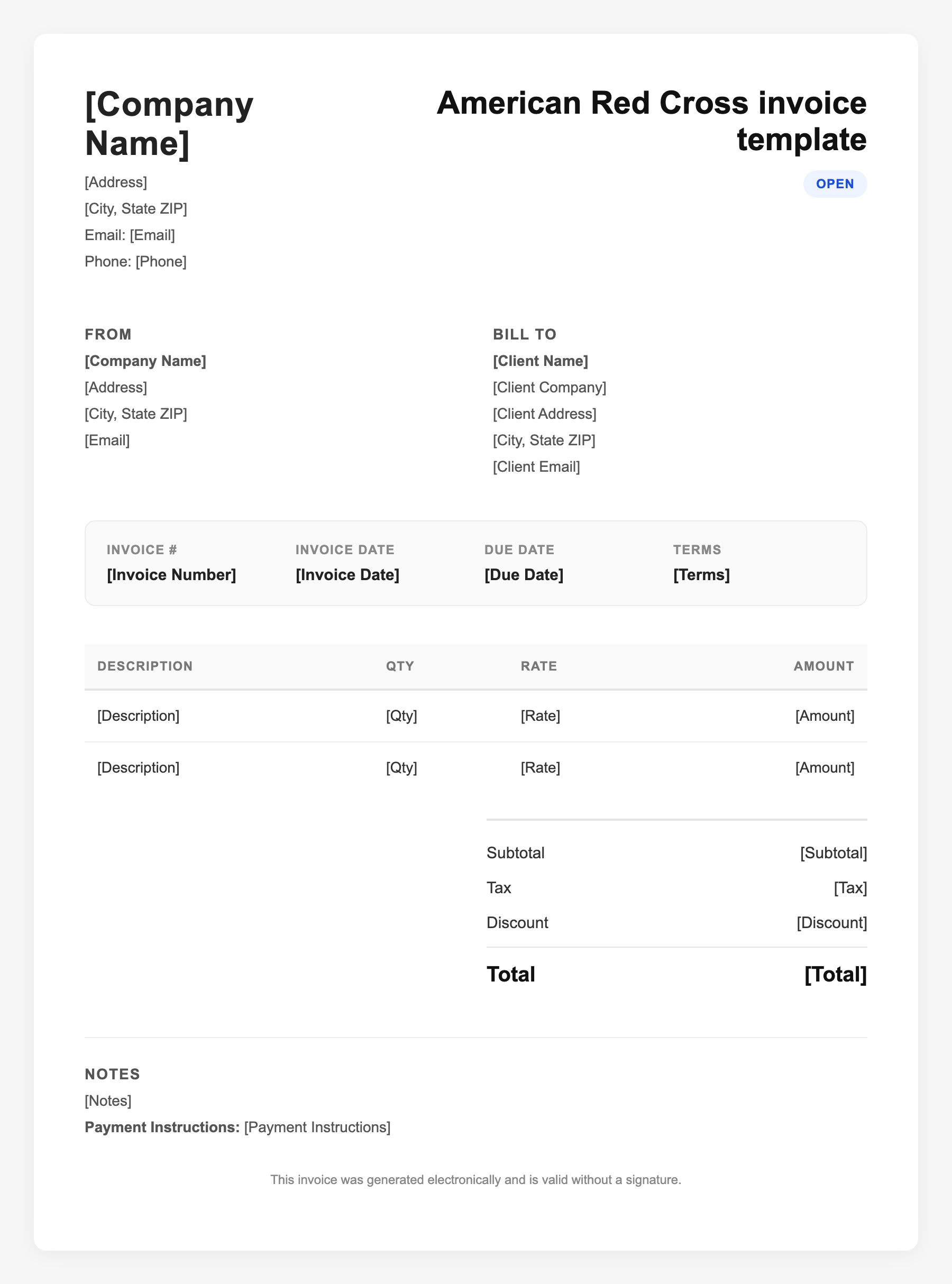
American Red Cross invoice template Sample
American Red Cross invoice template
123 Business Street, City, Country
Phone: (123) 456-7890
Email: contact@company.com
American Red Cross invoice template
Bill To:
Client Name
Client Address
Client City, Country
Phone: (987) 654-3210
Email: client@example.com
Invoice #: 12345
Date: 2024-10-10
Due Date: 2024-11-10
| Item | Description | Qty | Price | Total |
|---|---|---|---|---|
| Service A | Itemized service or product | 1 | $100.00 | $100.00 |
| Service B | Additional line item | 2 | $50.00 | $100.00 |
| Subtotal | $200.00 | |||
| Tax (10%) | $20.00 | |||
| Total Due | $220.00 | |||
An invoice should include your business or name, the customer’s details, the date and invoice number, and a line-by-line breakdown of what was provided. Including payment terms—such as due on receipt, Net 15, or Net 30—helps you get paid on time and keeps records clear for taxes.
Supporting resources
| Resource | Type | Description |
|---|---|---|
| Red Cross Invoice Central | Government | Vendors view, submit, and track invoices and statements; support and enrollment: InvoiceCentral@redcross.org. |
| Supplier registration | Checklist | Register or update profile via Red Cross supplier portal (ConnXus); required for many sourcing opportunities and payment setup. |
| Payment and ACH | Industry guide | Red Cross supports electronic payment and ACH; ensure banking and remittance details on file are current. |
| Supplier diversity | Guideline | Red Cross maintains a Supplier Diversity Program for WMDVBE; relevant for qualifying vendors. |
Frequently Asked Questions
- How do I submit an invoice to the American Red Cross?
- Use Red Cross Invoice Central to submit and manage invoices. Contact InvoiceCentral@redcross.org for enrollment and access.
- Do I need to register as a vendor first?
- Yes. Register or update your supplier profile through the Red Cross supplier portal so your invoices and payment details are correctly linked.
- Where can I check invoice status for Red Cross?
- Log in to Invoice Central to view invoices, monthly statements, and approval status.